📚 Systems Engineering Portfolio
Artur Mushegyan - Complete Assignment Collection
Written Essays
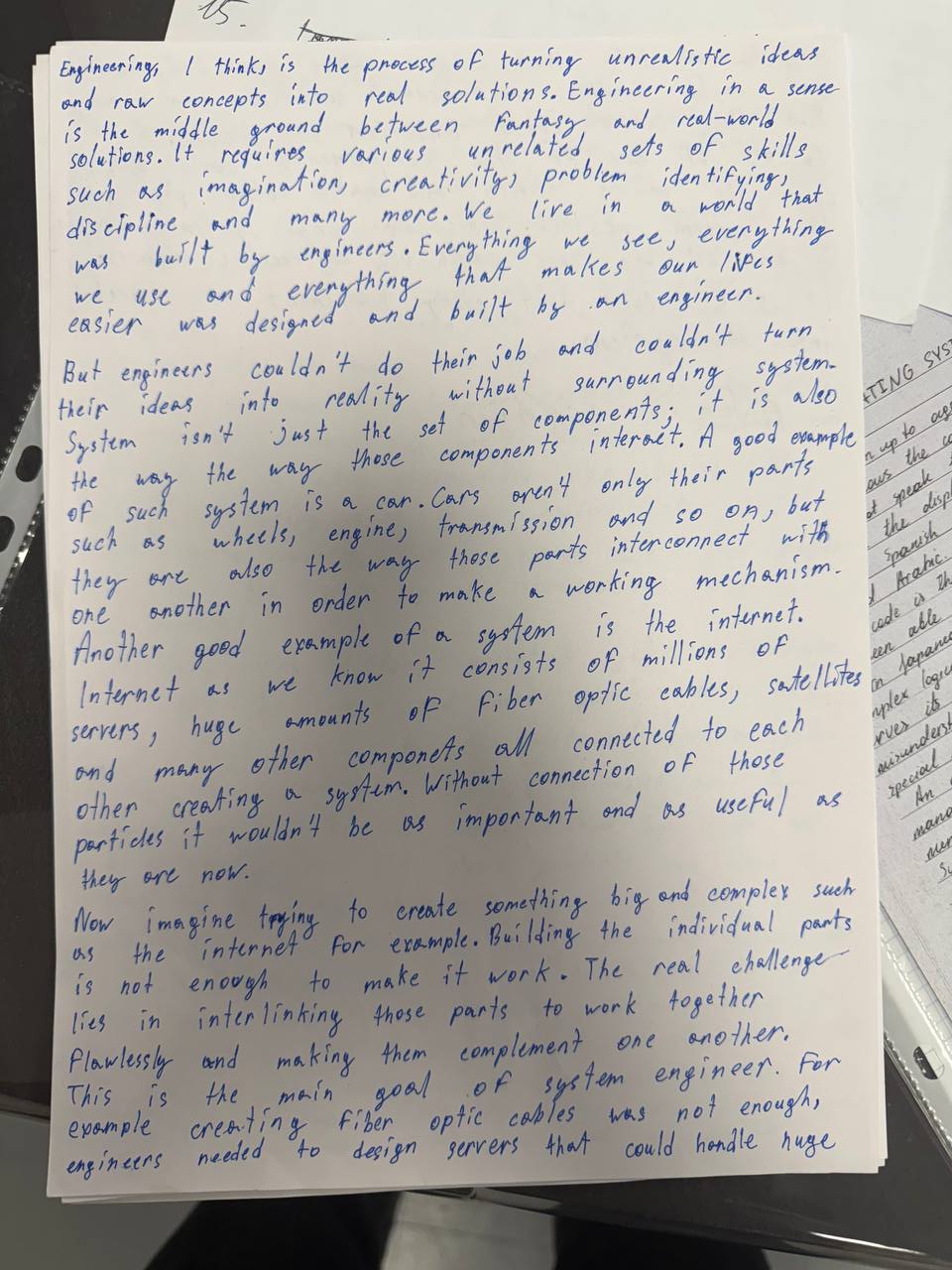
System Engineering Essay - Page 1
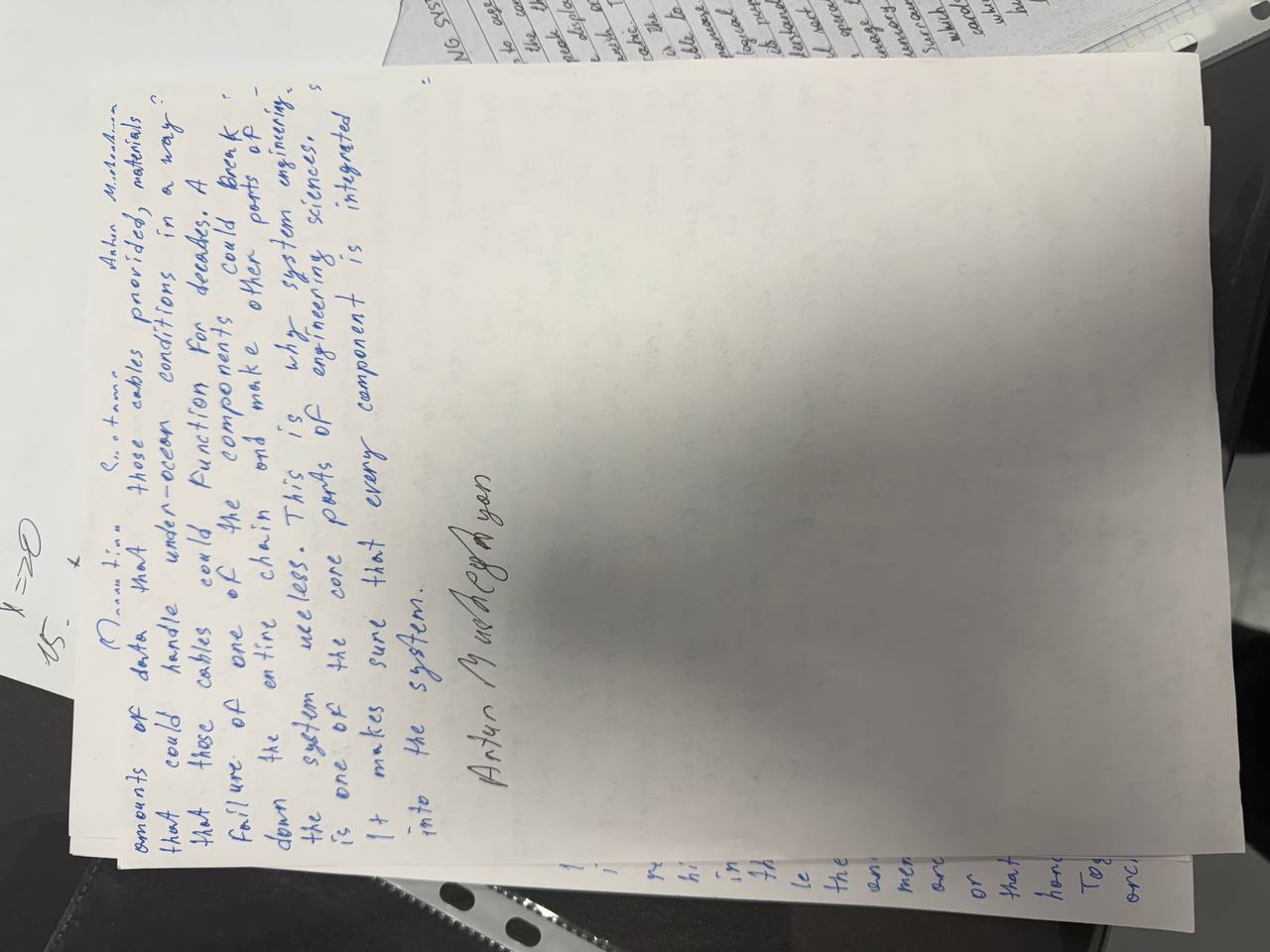
System Engineering Essay - Page 2
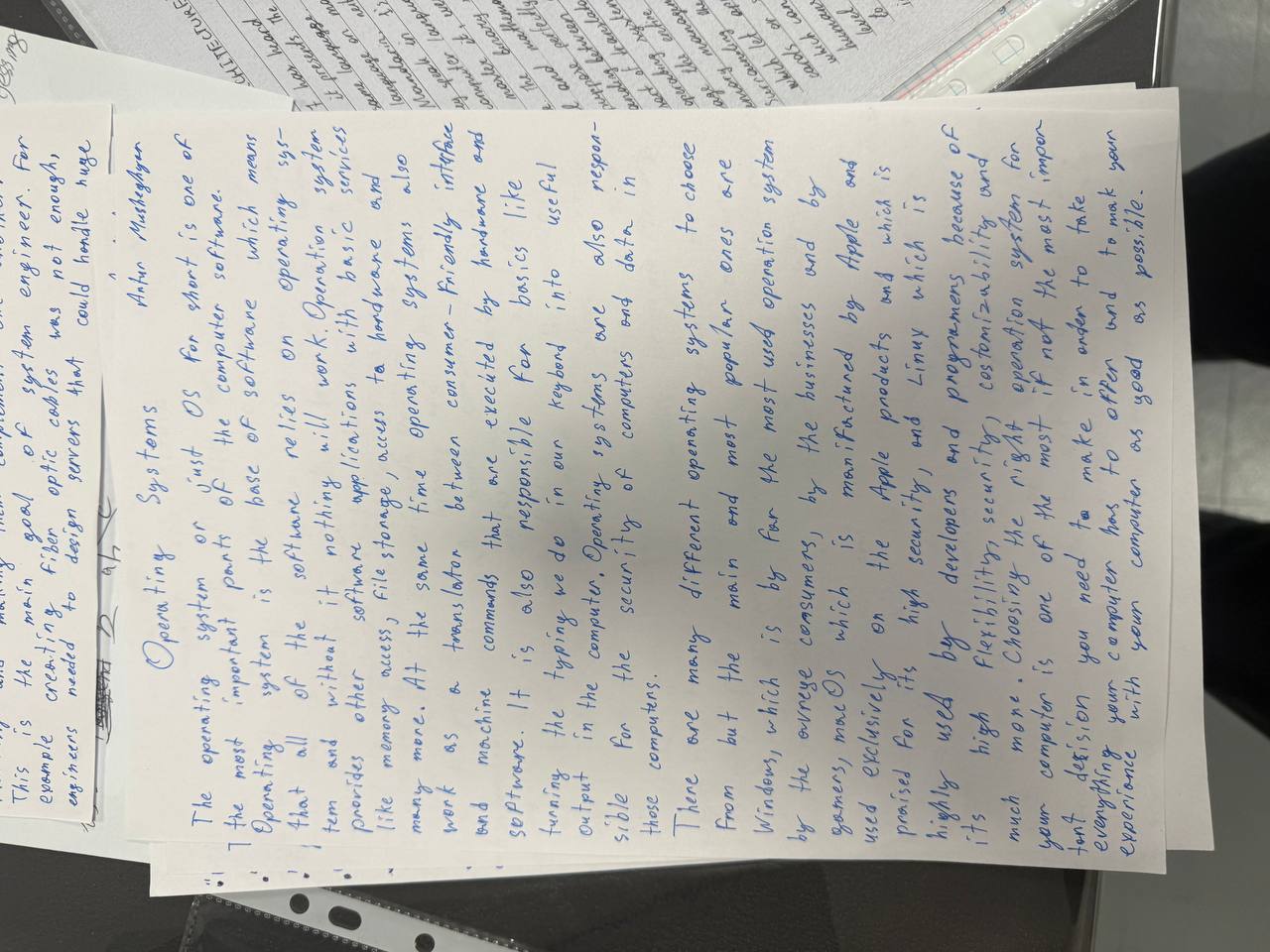
Operating Systems Essay
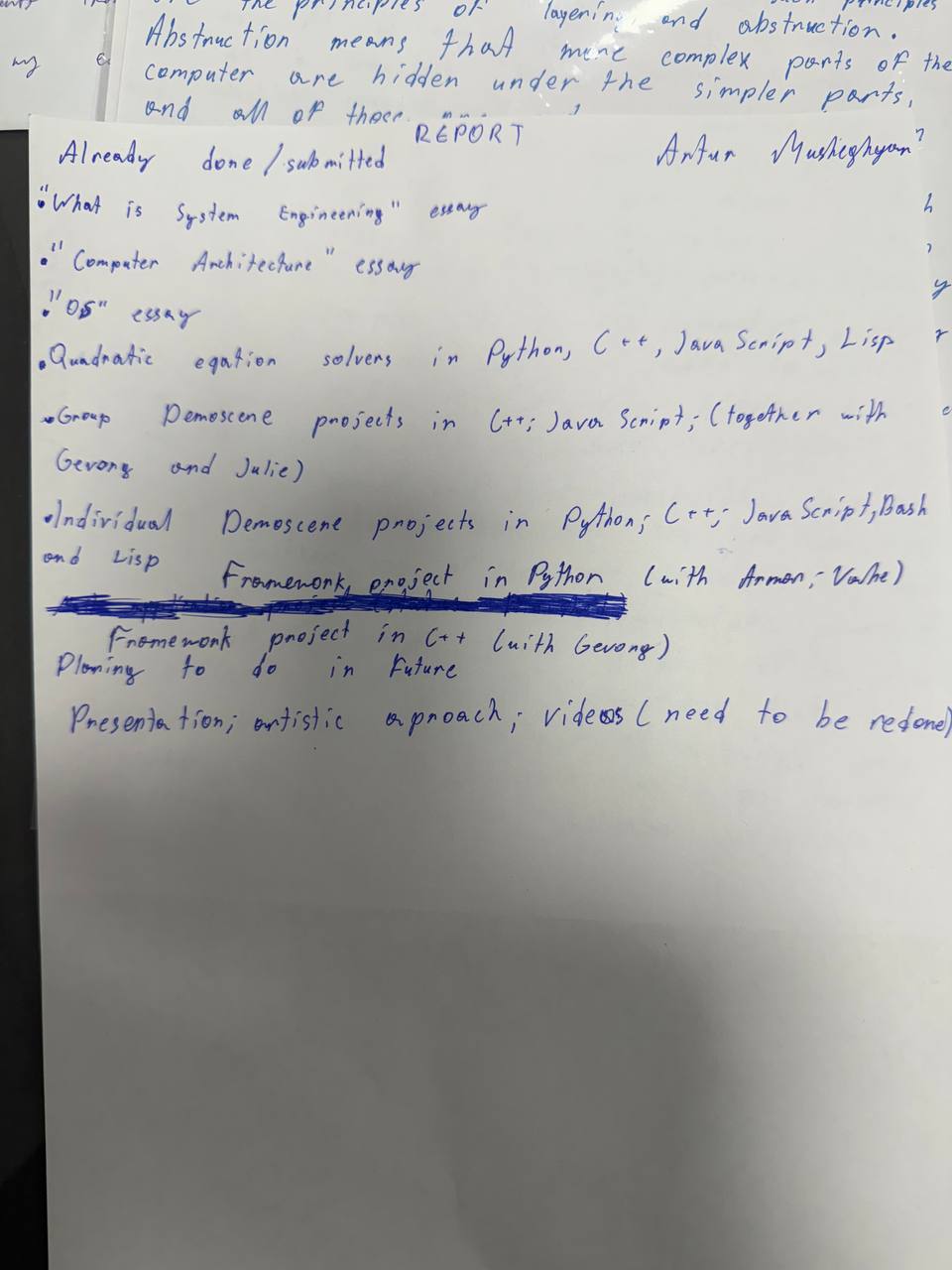
Report and Planning
Completed Essays:
- "What is System Engineering" - Definition and core concepts
- "Computer Architecture" - System design principles
- "OS" - Operating systems analysis
Quadratic Equation Solvers (4 Implementations)
Implementation in multiple programming languages solving ax² + bx + c = 0
Python Implementation
Python
import cmath  # For handling complex numbers

def solve_quadratic(a, b, c):
    if a == 0:
        if b == 0:
            return None if c != 0 else "infinite"
        x = -c / b
        return (x,)  # Return a tuple with one solution

    discriminant = cmath.sqrt(b**2 - 4*a*c)
    x1 = (-b + discriminant) / (2 * a)
    x2 = (-b - discriminant) / (2 * a)
    return (x1, x2)

# Example usage:
a = float(input("Enter coefficient a: "))
b = float(input("Enter coefficient b: "))
c = float(input("Enter coefficient c: "))

solutions = solve_quadratic(a, b, c)

if solutions == "infinite":
    print("Infinite solutions (all real numbers).")
elif solutions is None:
    print("No solution exists.")
elif len(solutions) == 1:
    print(f"Linear equation solution: x = {solutions[0]}")
else:
    print(f"Solutions: x1 = {solutions[0]}, x2 = {solutions[1]}")
C++ Implementation
C++
#include <iostream>
#include <cmath>
using namespace std;

int main(int argc, char* argv[]) {
    if (argc != 4) {
        cout << "Usage: ./quadratic a b c" << endl;
        return 1;
    }

    double a = atof(argv[1]);
    double b = atof(argv[2]);
    double c = atof(argv[3]);

    if (a == 0) {
        cout << "This is not a quadratic equation." << endl;
        return 1;
    }

    double d = b*b - 4*a*c; // discriminant
    cout << "Equation: " << a << "x² + " << b << "x + " << c << " = 0" << endl;
    cout << "Discriminant (Δ) = " << d << endl;

    if (d > 0) {
        double x1 = (-b + sqrt(d)) / (2*a);
        double x2 = (-b - sqrt(d)) / (2*a);
        cout << "Two real roots:\n";
        cout << "x1 = " << x1 << endl;
        cout << "x2 = " << x2 << endl;
    } else if (d == 0) {
        double x = -b / (2*a);
        cout << "One real root:\n";
        cout << "x = " << x << endl;
    } else {
        double real = -b / (2*a);
        double imag = sqrt(-d) / (2*a);
        cout << "Two complex roots:\n";
        cout << "x1 = " << real << " + " << imag << "i" << endl;
        cout << "x2 = " << real << " - " << imag << "i" << endl;
    }
    return 0;
}
JavaScript Implementation
JavaScript (Node.js)
if (process.argv.length !== 5) {
  console.log("Usage: node quadratic.js a b c");
  process.exit(1);
}

let a = parseFloat(process.argv[2]);
let b = parseFloat(process.argv[3]);
let c = parseFloat(process.argv[4]);

if (a === 0) {
  console.log("This is not a quadratic equation.");
  process.exit(1);
}

let d = b * b - 4 * a * c; // discriminant
console.log(`Equation: ${a}x² + ${b}x + ${c} = 0`);
console.log(`Discriminant (Δ) = ${d}`);

if (d > 0) {
  let x1 = (-b + Math.sqrt(d)) / (2 * a);
  let x2 = (-b - Math.sqrt(d)) / (2 * a);
  console.log("Two real roots:");
  console.log("x1 =", x1);
  console.log("x2 =", x2);
} else if (d === 0) {
  let x = -b / (2 * a);
  console.log("One real root:");
  console.log("x =", x);
} else {
  let real = -b / (2 * a);
  let imag = Math.sqrt(-d) / (2 * a);
  console.log("Two complex roots:");
  console.log(`x1 = ${real} + ${imag}i`);
  console.log(`x2 = ${real} - ${imag}i`);
}
Common Lisp Implementation
Common Lisp
(defun parse-float (s)
  (coerce (read-from-string s) 'double-float))

(defun quadratic (a b c)
  (if (= a 0)
      (format t "This is not a quadratic equation.~%")
      (let ((d (- (* b b) (* 4 a c))))
        (format t "Equation: ~ax² + ~ax + ~a = 0~%" a b c)
        (format t "Discriminant (Δ) = ~a~%" d)
        (cond
          ((> d 0)
           (let ((x1 (/ (+ (- b) (sqrt d)) (* 2 a)))
                 (x2 (/ (- (- b) (sqrt d)) (* 2 a))))
             (format t "Two real roots:~%")
             (format t "x1 = ~a~%" x1)
             (format t "x2 = ~a~%" x2)))
          ((= d 0)
           (let ((x (/ (- b) (* 2 a))))
             (format t "One real root:~%")
             (format t "x = ~a~%" x)))
          (t
           (let ((real (/ (- b) (* 2 a)))
                 (imag (/ (sqrt (- d)) (* 2 a))))
             (format t "Two complex roots:~%")
             (format t "x1 = ~a + ~ai~%" real imag)
             (format t "x2 = ~a - ~ai~%" real imag)))))))

(let ((args (cdr *posix-argv*)))
  (if (= (length args) 3)
      (apply #'quadratic (mapcar #'parse-float args))
      (format t "Usage: sbcl --script quadratic.lisp a b c~%")))
Demoscene Projects (5 Implementations)
Animated visual effects using mathematical functions
C++ Terminal Animation
C++
#include <iostream>
#include <cmath>
#include <chrono>
#include <thread>

using namespace std;

const int width = 80;
const int height = 24;

int main() {
    double t = 0.0;

    while (true) {
        system("clear");
        for (int y = 0; y < height; y++) {
            for (int x = 0; x < width; x++) {
                double nx = (x - width/2.0) / (width/2.0);
                double ny = (y - height/2.0) / (height/2.0);

                double value = sin(10*(nx*nx + ny*ny) - t) + cos(10*nx*ny - t);

                char c = " .:-=+*#%@"[(int)((value+2)/4*9)];
                cout << c;
            }
            cout << "\n";
        }

        t += 0.1;
        this_thread::sleep_for(chrono::milliseconds(50));
    }
    return 0;
}
Python Pygame Bouncing Ball
Python (Pygame)
import pygame
import math
import sys

pygame.init()
WIDTH, HEIGHT = 800, 600
screen = pygame.display.set_mode((WIDTH, HEIGHT))
clock = pygame.time.Clock()

radius = 40
t = 0

while True:
    for event in pygame.event.get():
        if event.type == pygame.QUIT:
            pygame.quit()
            sys.exit()

    t += 0.05

    x = WIDTH // 2
    y = int(HEIGHT / 2 + abs(200 * math.sin(t)))

    screen.fill((0, 0, 0))
    pygame.draw.circle(screen, (255, 255, 255), (x, y), radius)

    pygame.display.flip()
    clock.tick(60)
JavaScript Console Animation
JavaScript
let t = 0;
setInterval(() => {
  console.clear();
  let out = "";
  for (let y = 0; y < 20; y++) {
    let line = "";
    for (let x = 0; x < 60; x++) {
      let v = Math.sin(x/5 + t) + Math.cos(y/3 - t);
      line += v > 0 ? "#" : ".";
    }
    out += line + "\n";
  }
  console.log(out);
  t += 0.2;
}, 100);
Bash Shell Demoscene
Bash
#!/bin/bash

clear
trap "tput cnorm; stty echo; exit" SIGINT SIGTERM
tput civis
stty -echo

colors=(31 32 33 34 35 36 91 92 93 94 95 96)

for frame in {0..500}; do
    printf "\033[H"

    rows=$(tput lines)
    cols=$(tput cols)

    center_x=$((cols / 2))
    center_y=$((rows / 2))

    for ((y=2; y/dev/null | cut -d. -f2 | head -c1)
            pattern2=$(echo "scale=2; c(($nx*0.08 - $ny*0.07 + $t*0.02))" | bc -l 2>/dev/null | cut -d. -f2 | head -c1)
            pattern3=$(echo "scale=2; ($nx*$nx + $ny*$ny)/100 + $t*0.1" | bc -l 2>/dev/null | cut -d. -f2 | head -c1)

            combined=$(( (pattern1 + pattern2 + pattern3) % 2 ))

            if [ $combined -eq 0 ]; then
                color_idx=$(( (x + y + frame) % ${#colors[@]} ))
                char="█"
            else
                char=" "
            fi

            line="${line}${char}"
        done
        printf "\033[${y};1H${line}"
    done

    title="BASH DEMOSCENE - FRAME $frame"
    title_x=$(( (cols - ${#title}) / 2 ))
    printf "\033[1;${title_x}H\033[1;37m${title}\033[0m"

    eq1="sin(x/10 + y/20 + t) + cos(x/8 - y/7 + t*2) + (x²+y²)/100"
    eq_x=$(( (cols - ${#eq1}) / 2 ))
    printf "\033[$((rows-3));${eq_x}H\033[33m${eq1}\033[0m"

    bar_width=$((cols - 20))
    progress=$(( (frame * bar_width) / 500 ))
    bar="["
    for ((i=0; i
CRT Cartesian-Ray Tube (Interactive HTML)
HTML + JavaScript
<!DOCTYPE html>
<html lang="en">
<head>
    <meta charset="UTF-8">
    <title>CRT Cartesian-Ray Tube</title>
    <style>
        * {
            margin: 0;
            padding: 0;
            box-sizing: border-box;
            font-family: 'Courier New', monospace;
        }

        body {
            background: #000;
            color: #0f0;
            display: flex;
            flex-direction: column;
            align-items: center;
            justify-content: center;
            min-height: 100vh;
            padding: 20px;
        }

        .crt-screen {
            background: #111;
            border: 2px solid #333;
            border-radius: 5px;
            padding: 20px;
            box-shadow: 0 0 20px rgba(0, 255, 0, 0.3);
        }

        .visualization {
            height: 300px;
            background: #000;
            border: 1px solid #0a0;
        }

        @keyframes scanline {
            0% { top: 0; }
            100% { top: 100%; }
        }
    </style>
</head>
<body>
    <div class="container">
        <div class="header">
            <h1>CRT CARTESIAN-RAY TUBE</h1>
        </div>

        <div class="crt-screen">
            <div class="visualization">
                <canvas id="canvas"></canvas>
            </div>

            <div class="controls">
                <input type="number" id="frequency" min="1" max="100" value="30">
                <input type="number" id="amplitude" min="1" max="50" value="20">
                <input type="number" id="phase" min="0" max="360" value="0">
                <button id="calculateBtn">CALCULATE WAVE PATTERN</button>
            </div>
        </div>
    </div>

    <script>
        const canvas = document.getElementById('canvas');
        const ctx = canvas.getContext('2d');

        function drawTube(frequency, amplitude, phase) {
            ctx.clearRect(0, 0, canvas.width, canvas.height);

            // Draw grid and wave visualization
            ctx.strokeStyle = '#0f0';
            ctx.lineWidth = 2;
            ctx.beginPath();

            const centerY = canvas.height / 2;
            const time = Date.now() / 1000;

            for (let x = 0; x < canvas.width; x++) {
                const y = centerY + amplitude * Math.sin(
                    (x / canvas.width) * frequency * Math.PI * 2 +
                    (time * 0.5) +
                    (phase * Math.PI / 180)
                );

                if (x === 0) ctx.moveTo(x, y);
                else ctx.lineTo(x, y);
            }

            ctx.stroke();
        }

        function animate() {
            drawTube(
                parseFloat(document.getElementById('frequency').value),
                parseFloat(document.getElementById('amplitude').value),
                parseFloat(document.getElementById('phase').value)
            );
            requestAnimationFrame(animate);
        }

        canvas.width = 600;
        canvas.height = 300;
        animate();
    </script>
</body>
</html>
Conway's Game of Life (4 Implementations)
100x100 toroidal grid implementation with exact rules
Python Implementation (Pygame)
Python
import pygame
import random
import sys

GRID_W = 200
GRID_H = 200
CELL_SIZE = 6
WINDOW_W = GRID_W * CELL_SIZE
WINDOW_H = GRID_H * CELL_SIZE
FPS = 10

ALIVE = 1
DEAD = 0

COLOR_ALIVE = (255, 255, 255)
COLOR_DEAD = (0, 0, 255)
GRID_COLOR = (200, 200, 200)

def create_grid(randomize=False, prob_alive=0.15):
    if randomize:
        return [[ALIVE if random.random() < prob_alive else DEAD
                for _ in range(GRID_W)] for _ in range(GRID_H)]
    else:
        return [[DEAD for _ in range(GRID_W)] for _ in range(GRID_H)]

def count_alive_neighbors(grid, x, y):
    total = 0
    for dy in (-1, 0, 1):
        for dx in (-1, 0, 1):
            if dx == 0 and dy == 0:
                continue
            nx = (x + dx) % GRID_W
            ny = (y + dy) % GRID_H
            total += grid[ny][nx]
    return total

def step(grid):
    new_grid = [[DEAD for _ in range(GRID_W)] for _ in range(GRID_H)]
    for y in range(GRID_H):
        for x in range(GRID_W):
            alive = grid[y][x] == ALIVE
            neighbors = count_alive_neighbors(grid, x, y)
            if alive:
                if neighbors == 2 or neighbors == 3:
                    new_grid[y][x] = ALIVE
                else:
                    new_grid[y][x] = DEAD
            else:
                if neighbors == 3:
                    new_grid[y][x] = ALIVE
                else:
                    new_grid[y][x] = DEAD
    return new_grid

# Main game loop with controls...
# Space: pause/resume, R: randomize, C: clear, S: single-step
JavaScript Implementation (Canvas)
JavaScript
const GRID_W = 100;
const GRID_H = 100;
const CELL_SIZE = 6;
const ALIVE = 1;
const DEAD = 0;

let grid = [];
let paused = false;
let speed = 10;

const canvas = document.createElement('canvas');
canvas.width = GRID_W * CELL_SIZE;
canvas.height = GRID_H * CELL_SIZE;
document.body.appendChild(canvas);
const ctx = canvas.getContext('2d');

function createGrid(randomize = false, probAlive = 0.15) {
  const g = [];
  for (let y = 0; y < GRID_H; y++) {
    g[y] = [];
    for (let x = 0; x < GRID_W; x++) {
      g[y][x] = randomize && Math.random() < probAlive ? ALIVE : DEAD;
    }
  }
  return g;
}

function countAliveNeighbors(grid, x, y) {
  let total = 0;
  for (let dy = -1; dy <= 1; dy++) {
    for (let dx = -1; dx <= 1; dx++) {
      if (dx === 0 && dy === 0) continue;
      const nx = (x + dx + GRID_W) % GRID_W;
      const ny = (y + dy + GRID_H) % GRID_H;
      total += grid[ny][nx];
    }
  }
  return total;
}

function step(grid) {
  const newGrid = [];
  for (let y = 0; y < GRID_H; y++) {
    newGrid[y] = [];
    for (let x = 0; x < GRID_W; x++) {
      const alive = grid[y][x] === ALIVE;
      const neighbors = countAliveNeighbors(grid, x, y);
      if (alive) {
        newGrid[y][x] = (neighbors === 2 || neighbors === 3) ? ALIVE : DEAD;
      } else {
        newGrid[y][x] = (neighbors === 3) ? ALIVE : DEAD;
      }
    }
  }
  return newGrid;
}

// Controls: Space (pause), R (randomize), C (clear), Arrow keys (speed)
HTML5 Canvas Version
HTML + JavaScript
<!DOCTYPE html>
<html lang="en">
<head>
<meta charset="UTF-8">
<title>Game of Life</title>
<style>
  body {
    background: #222;
    display: flex;
    justify-content: center;
    align-items: center;
    height: 100vh;
    margin: 0;
  }
  canvas {
    background: white;
    box-shadow: 0 0 20px rgba(0,0,0,0.5);
  }
</style>
</head>
<body>
<canvas id="game"></canvas>

<script>
const CELL_SIZE = 10;
const GRID_W = 200;
const GRID_H = 200;
const canvas = document.getElementById("game");
canvas.width = GRID_W * CELL_SIZE;
canvas.height = GRID_H * CELL_SIZE;
const ctx = canvas.getContext("2d");

let grid = Array.from({ length: GRID_H }, () => Array(GRID_W).fill(0));
let next = Array.from({ length: GRID_H }, () => Array(GRID_W).fill(0));

// Random initialization
for (let y = 0; y < GRID_H; y++)
  for (let x = 0; x < GRID_W; x++)
    grid[y][x] = Math.random() < 0.25 ? 1 : 0;

function loop() {
  step();
  draw();
  requestAnimationFrame(loop);
}

loop();
</script>
</body>
</html>
Industry Matrix: Operating Systems
Comparison of Windows, macOS, and Linux across strategic and operational dimensions
| Dimension | Windows (Microsoft) | macOS (Apple) | Linux (Various Distributions) |
|---|---|---|---|
| Market Share (Desktop, 2025 est.) | ~72–75% | ~15–17% | ~2–3% (desktop), >70% (servers/cloud) |
| Primary Market Segment | Business, enterprise, gaming, personal computing | Creative professionals, premium consumers | Developers, enterprise servers, embedded systems, cloud |
| Business Model | Proprietary licensing; revenue via OEM deals and subscriptions (Microsoft 365, Azure) | Proprietary; bundled with Apple hardware; revenue primarily from hardware and services | Open-source; revenue via support (Red Hat, Canonical) and cloud integration |
| Pricing Structure | Pre-installed on most PCs (paid OEM); enterprise licensing models | Free with Apple hardware (cost embedded in device pricing) | Free/open-source; optional paid enterprise support |
| Hardware Compatibility | Very broad — supported by most PC manufacturers | Limited — Apple hardware only | Extremely broad — runs on wide range of devices and architectures |
| User Interface (UI/UX) | Familiar, flexible with moderate customization | Polished, consistent; less system-level customization | Varies by distribution (GNOME, KDE); highly customizable |
| Software Availability | Largest commercial ecosystem (productivity, enterprise, gaming) | Strong in creative/professional apps (Final Cut, Logic) | Extensive open-source tools; fewer proprietary commercial apps |
| Performance & Optimization | Varies with hardware; tuned for wide compatibility | Highly optimized for Apple silicon (M-series) | High efficiency possible; depends on distro and tuning |
| Security | Significant improvements but large attack surface due to popularity | Strong platform security and sandboxing; lower malware exposure | Transparent, rapid patching in communities; security depends on configuration |
| Gaming Support | Excellent — DirectX, large game library, Game Pass | Limited native support; Metal-based titles and Apple Arcade | Improving via Proton and Vulkan; adoption growing |
| Enterprise Adoption | Widespread enterprise standard | Moderate — popular in creative teams | Dominant in servers, DevOps, cloud-native infrastructure |
| Cloud & Server Market | Azure is major cloud player; Windows Server used in many enterprises | Minimal server footprint | Dominant in cloud and server environments (>70% web servers) |
| Innovation Focus | Productivity, AI (Copilot), enterprise integration | UX, hardware-software integration, ARM optimization | Open innovation, modular and community-driven development |
QUCS Circuit Simulation
Electronic circuit design and simulation using QUCS (Quite Universal Circuit Simulator)
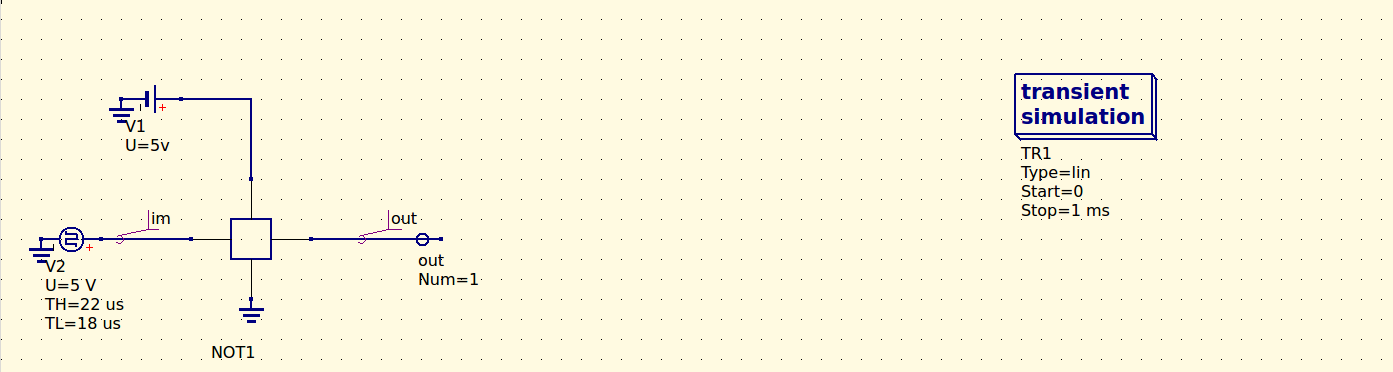
NOT Gate Circuit with Transient Simulation
Circuit Description:
This circuit demonstrates a NOT gate (inverter) driven by a pulse voltage source. The simulation shows the transient behavior of the circuit with a 5V DC supply and a pulse input signal.
Videos
Watch demonstrations of the different projects directly on this page.