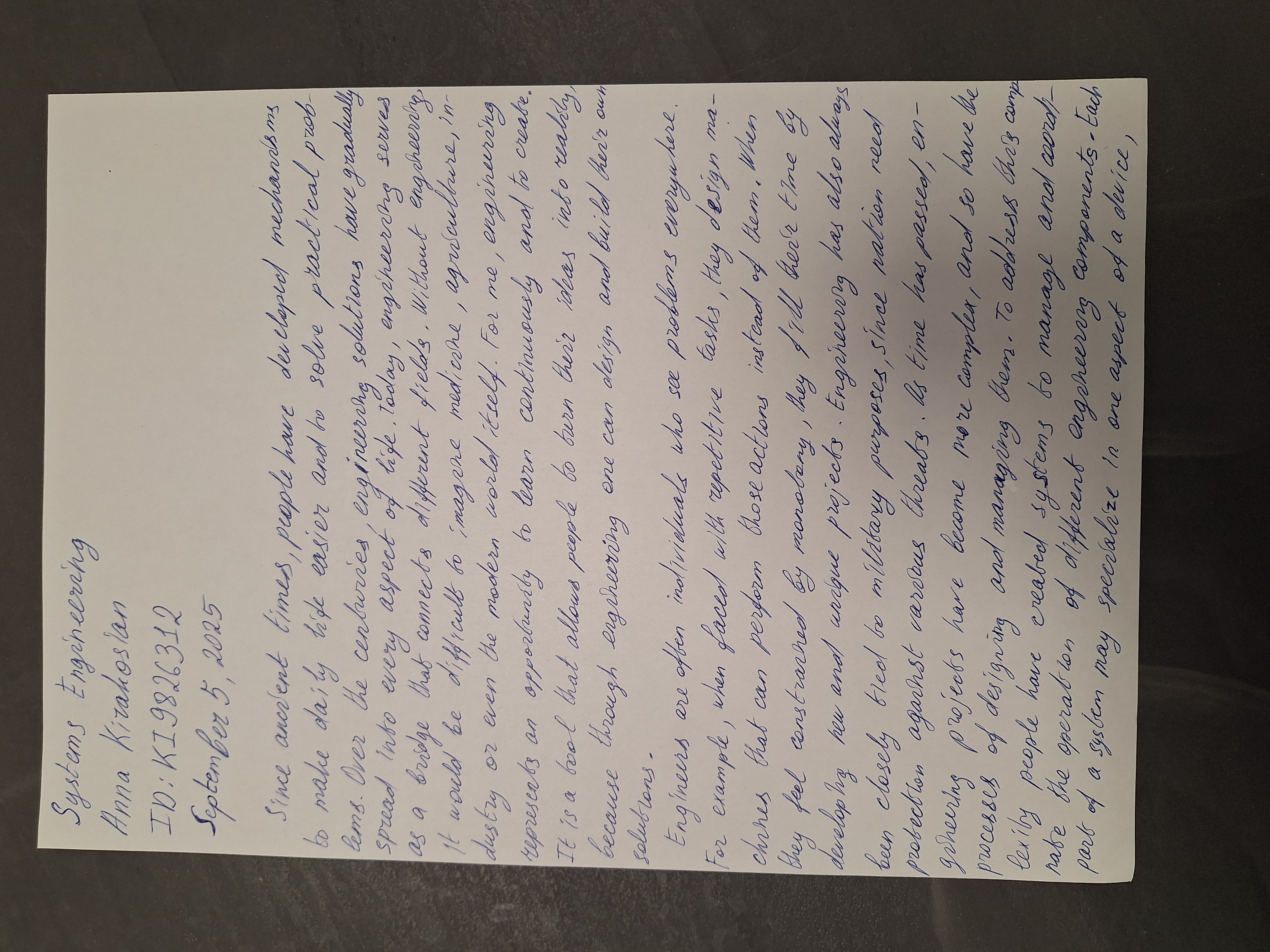
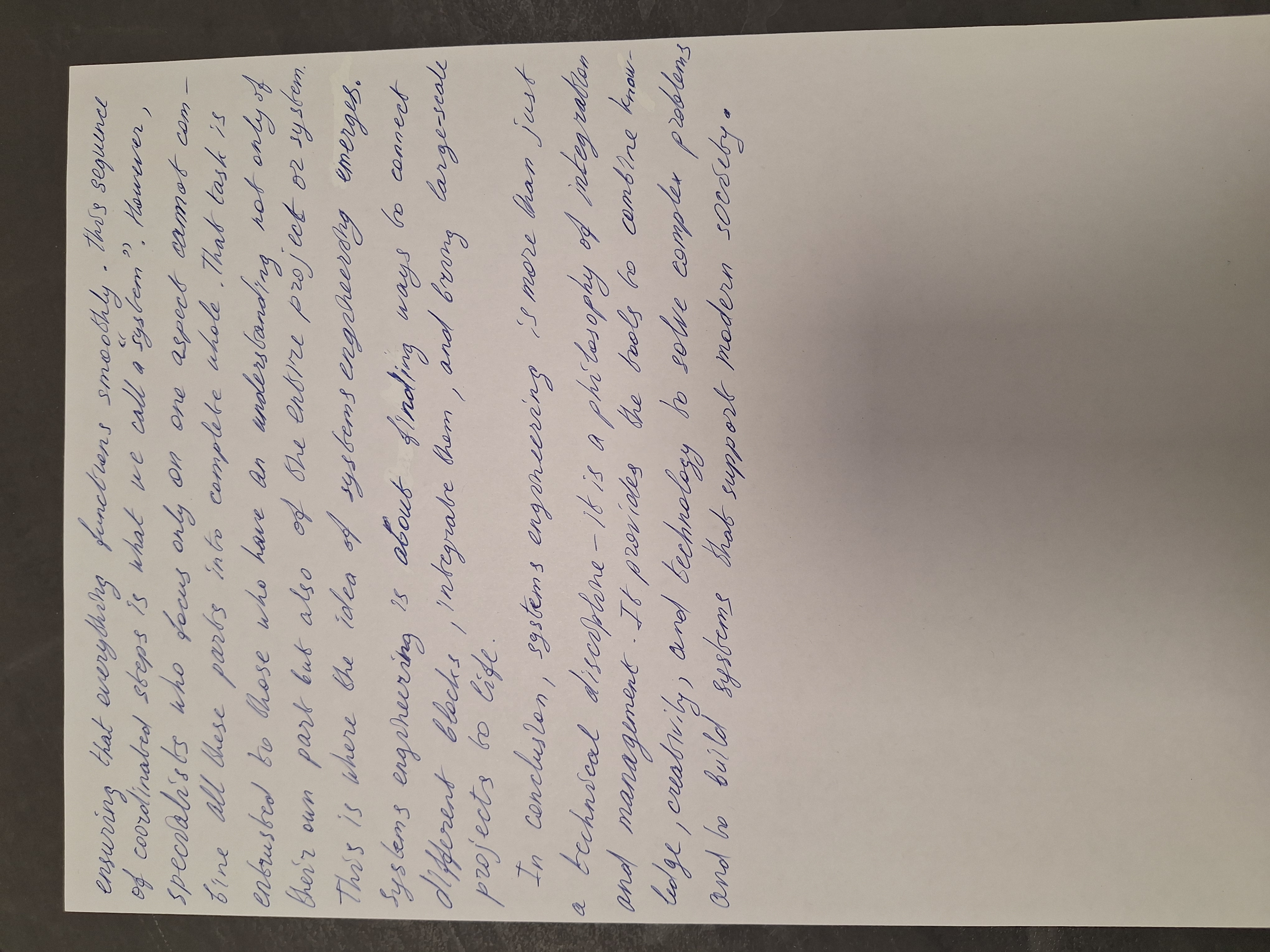
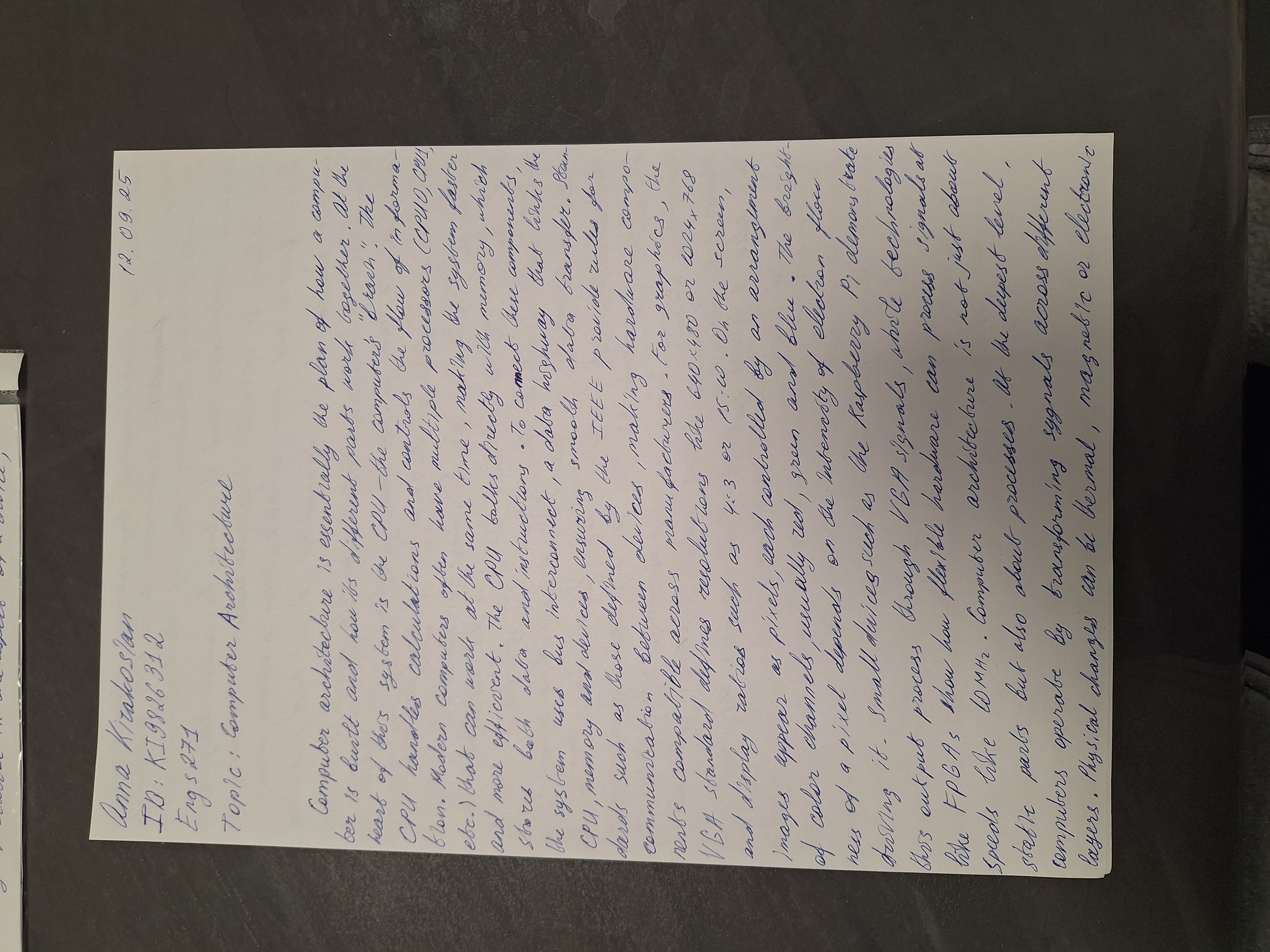
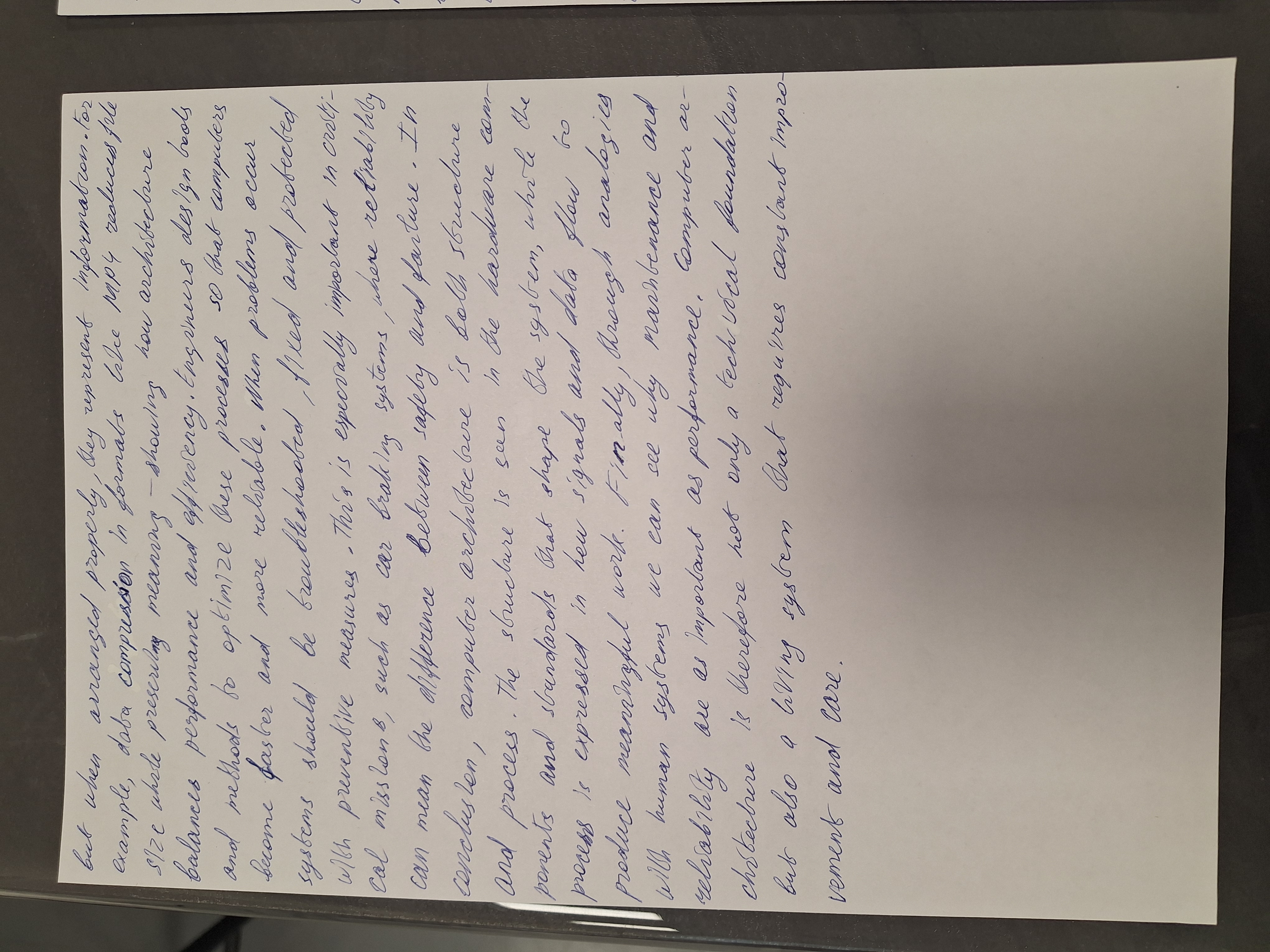
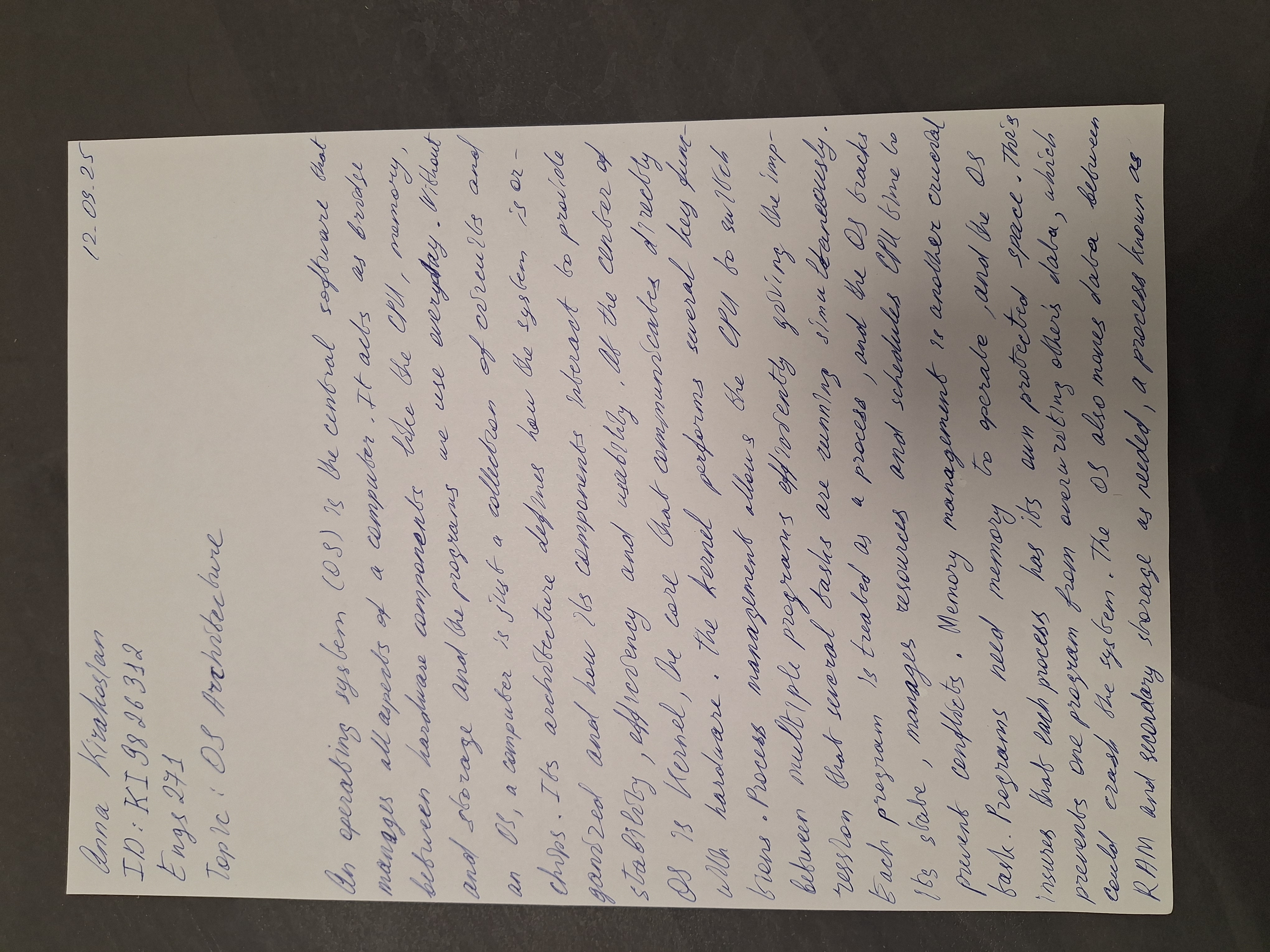
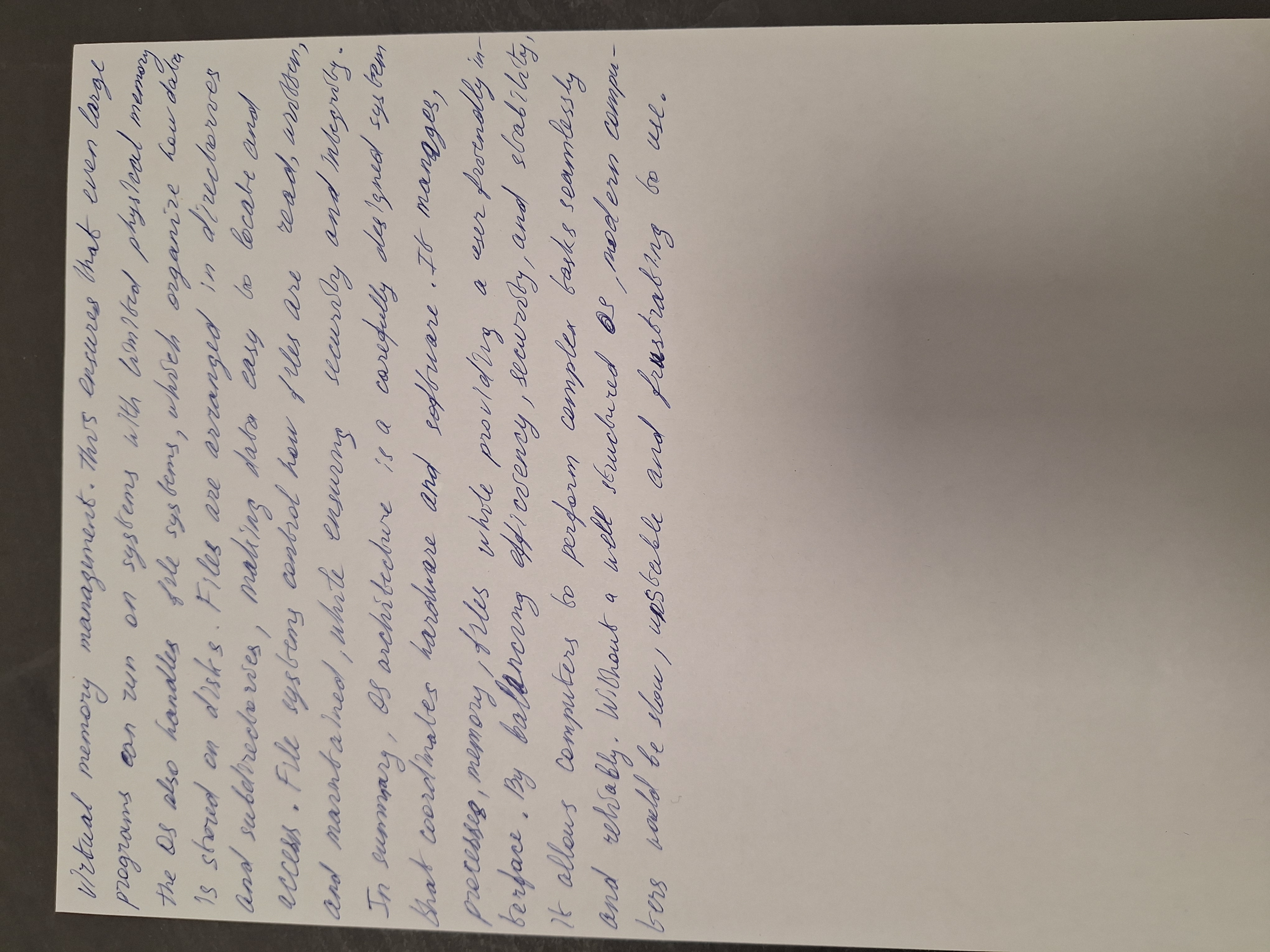
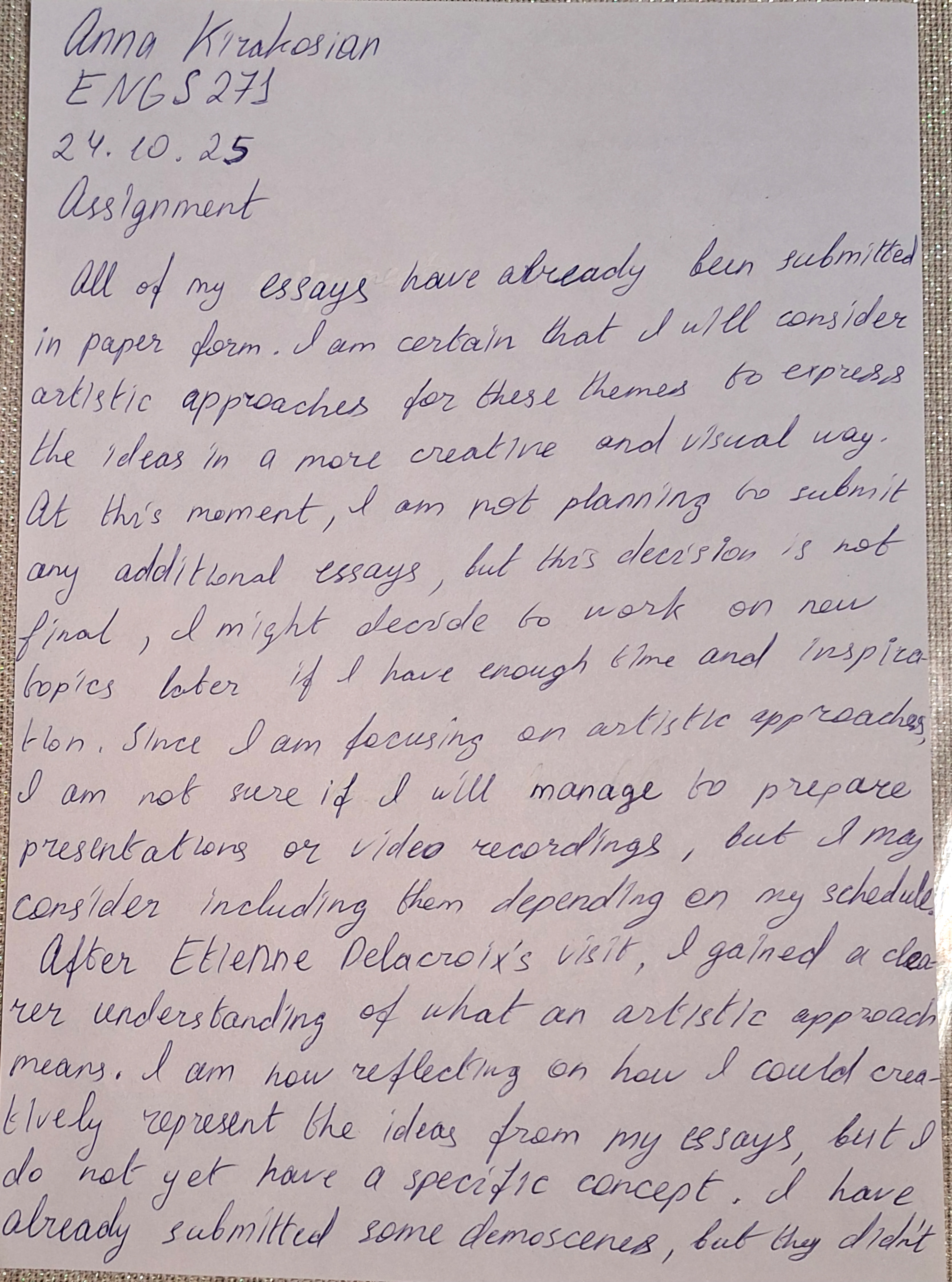
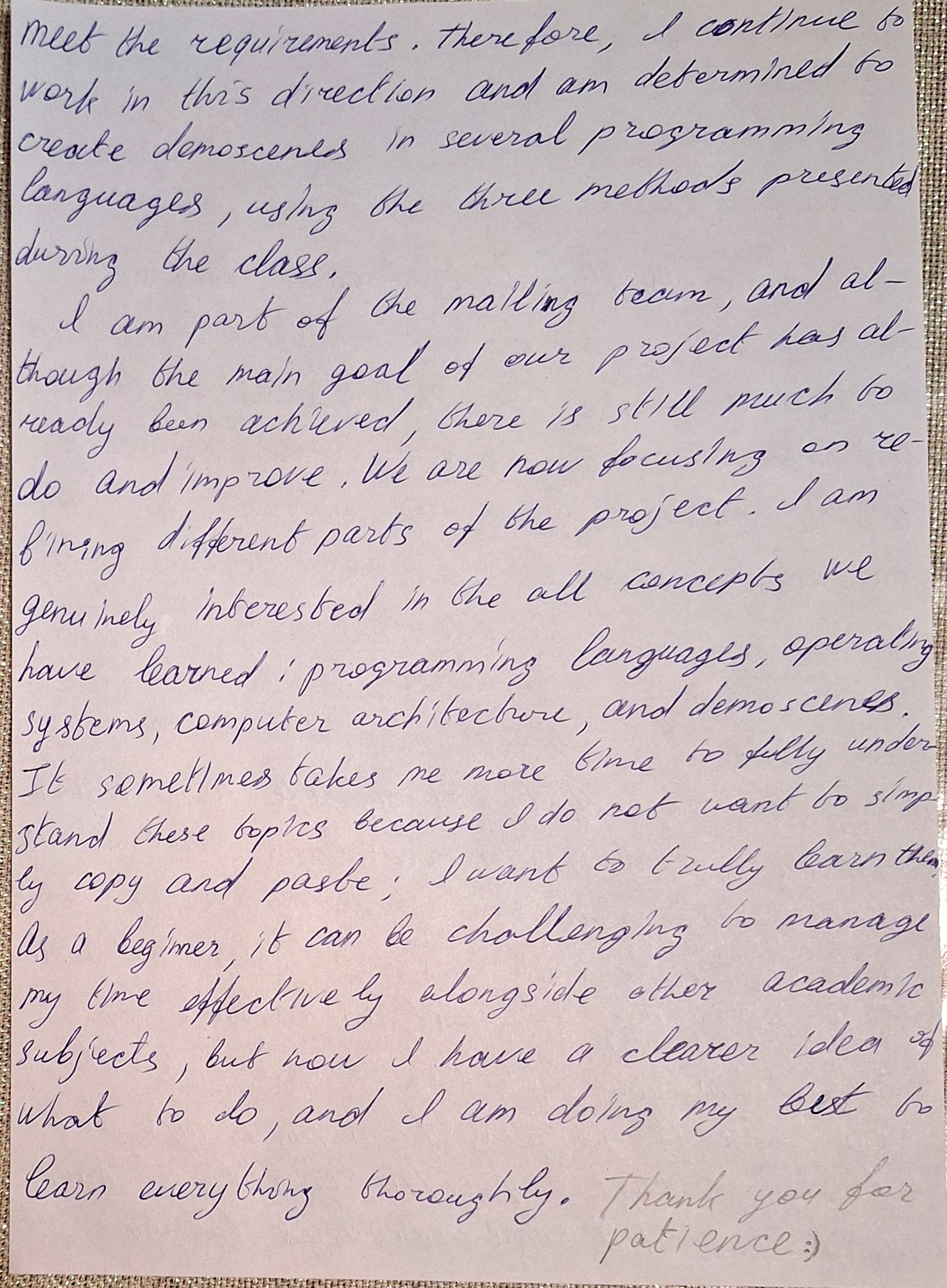
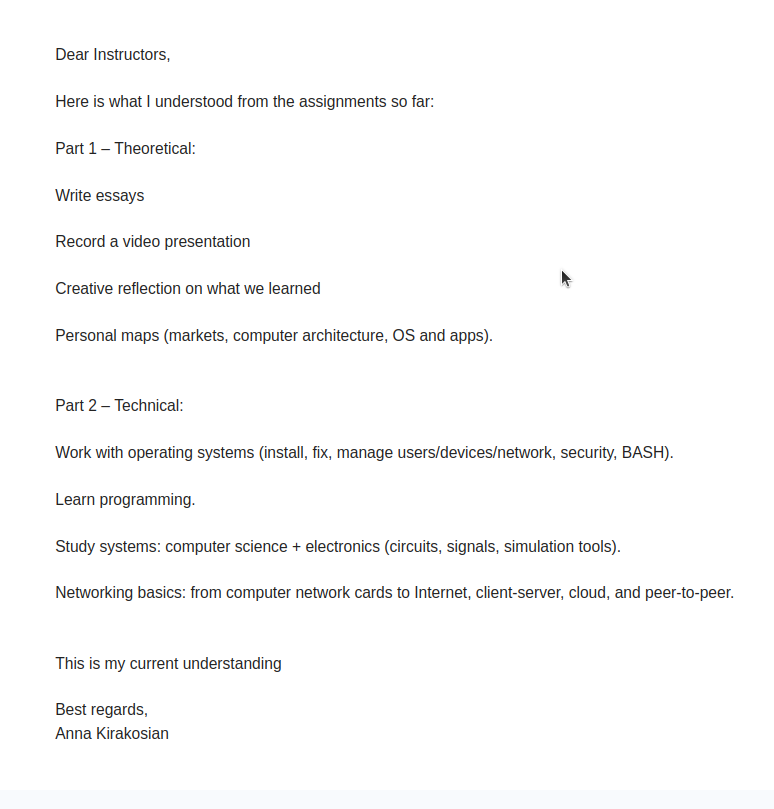
Complete coursework, projects, demoscenes, programming assignments, Komitas artworks, and artistic works.
Video Guide: Complete Multiboot Setup with Windows, Ubuntu 22.04 & Fedora 43 – Step-by-Step with Troubleshooting is available on PeerTube.
Code examples in Tcl, Python, Lua, JavaScript, C++.
import math

# Ask user for coefficients
a = float(input("Enter coefficient a: "))
b = float(input("Enter coefficient b: "))
c = float(input("Enter coefficient c: "))

# Check if it's linear (a == 0) or quadratic
if a == 0:
    if b == 0:
        print("No solution" if c != 0 else "Infinite solutions")
    else:
        x = -c / b
        print("Linear solution: x =", x)
else:
    # Calculate discriminant
    D = b**2 - 4*a*c

    if D > 0:
        x1 = (-b + math.sqrt(D)) / (2*a)
        x2 = (-b - math.sqrt(D)) / (2*a)
        print("Two real solutions: x1 =", x1, ", x2 =", x2)
    elif D == 0:
        x = -b / (2*a)
        print("One real solution: x =", x)
    else:
        real = -b / (2*a)
        imag = math.sqrt(-D) / (2*a)
        print("Two complex solutions: x1 =", real, "+", imag, "i , x2 =", real, "-", imag, "i")
io.write("a = ")
a = tonumber(io.read())
io.write("b = ")
b = tonumber(io.read())
io.write("c = ")
c = tonumber(io.read())

if a == 0 then
    if b == 0 then
        print(c ~= 0 and "No solution" or "Infinite solutions")
    else
        local x = -c / b
        print("Linear solution: x = "..x)
    end
else
    local D = b*b - 4*a*c
    if D > 0 then
        local x1 = (-b + math.sqrt(D)) / (2*a)
        local x2 = (-b - math.sqrt(D)) / (2*a)
        print("Two real solutions: x1 = "..x1.." , x2 = "..x2)
    elseif D == 0 then
        local x = -b / (2*a)
        print("One real solution: x = "..x)
    else
        local real = -b / (2*a)
        local imag = math.sqrt(-D)/(2*a)
        print("Two complex solutions: x1 = "..real.."+"..imag.."i , x2 = "..real.."-"..imag.."i")
    end
end
#!/usr/bin/env tclsh

puts -nonewline "a = "
flush stdout
gets stdin a
puts -nonewline "b = "
flush stdout
gets stdin b
puts -nonewline "c = "
flush stdout
gets stdin c

set a [expr {double($a)}]
set b [expr {double($b)}]
set c [expr {double($c)}]

if {$a == 0} {
    if {$b == 0} {
        puts [expr {$c != 0 ? "No solution" : "Infinite solutions"}]
    } else {
        set x [expr {- $c / $b}]
        puts "Linear solution: x = $x"
    }
} else {
    set D [expr {$b*$b - 4*$a*$c}]
    if {$D > 0} {
        set x1 [expr {(-$b + sqrt($D)) / (2*$a)}]
        set x2 [expr {(-$b - sqrt($D)) / (2*$a)}]
        puts "Two real solutions: x1 = $x1 , x2 = $x2"
    } elseif {$D == 0} {
        set x [expr {-$b / (2*$a)}]
        puts "One real solution: x = $x"
    } else {
        set real [expr {-$b / (2*$a)}]
        set imag [expr {sqrt(-$D)/(2*$a)}]
        puts "Two complex solutions: x1 = ${real}+${imag}i , x2 = ${real}-${imag}i"
    }
}
// Linear / Quadratic Solver in JavaScript

const readline = require('readline');

const rl = readline.createInterface({
    input: process.stdin,
    output: process.stdout
});

rl.question("Enter coefficient a: ", function(a) {
    rl.question("Enter coefficient b: ", function(b) {
        rl.question("Enter coefficient c: ", function(c) {
            a = parseFloat(a);
            b = parseFloat(b);
            c = parseFloat(c);

            if (a === 0) {
                if (b === 0) {
                    console.log(c !== 0 ? "No solution" : "Infinite solutions");
                } else {
                    let x = -c / b;
                    console.log("Linear solution: x =", x);
                }
            } else {
                let D = b*b - 4*a*c;
                if (D > 0) {
                    let x1 = (-b + Math.sqrt(D)) / (2*a);
                    let x2 = (-b - Math.sqrt(D)) / (2*a);
                    console.log("Two real solutions: x1 =", x1, ", x2 =", x2);
                } else if (D === 0) {
                    let x = -b / (2*a);
                    console.log("One real solution: x =", x);
                } else {
                    let real = -b / (2*a);
                    let imag = Math.sqrt(-D) / (2*a);
                    console.log(`Two complex solutions: x1 = ${real}+${imag}i , x2 = ${real}-${imag}i`);
                }
            }
            rl.close();
        });
    });
});
#include <iostream>
#include <cmath>
using namespace std;

int main() {
    double a, b, c;

    // Input prompts
    cout << "a = ";
    cin >> a;
    cout << "b = ";
    cin >> b;
    cout << "c = ";
    cin >> c;

    if(a != 0) {  // Quadratic case
        double D = b*b - 4*a*c;
        if(D > 0)
            cout << "x1 = " << (-b + sqrt(D))/(2*a)
                 << ", x2 = " << (-b - sqrt(D))/(2*a) << endl;
        else if(D == 0)
            cout << "x = " << -b/(2*a) << endl;
        else
            cout << "x1 = " << -b/(2*a) << "+" << sqrt(-D)/(2*a) << "i, "
                 << "x2 = " << -b/(2*a) << "-" << sqrt(-D)/(2*a) << "i" << endl;
    }
    else if(b != 0) {  // Linear case
        cout << "x = " << -c/b << endl;
    }
    else {  // a = 0, b = 0
        cout << (c == 0 ? "Infinite solutions" : "No solution") << endl;
    }

    return 0;  // end of main
}
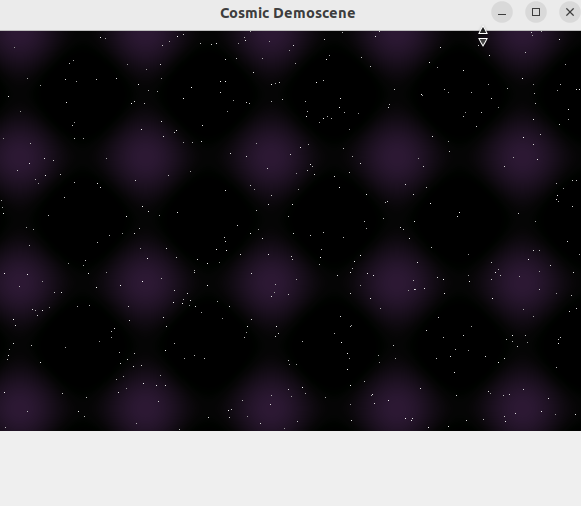
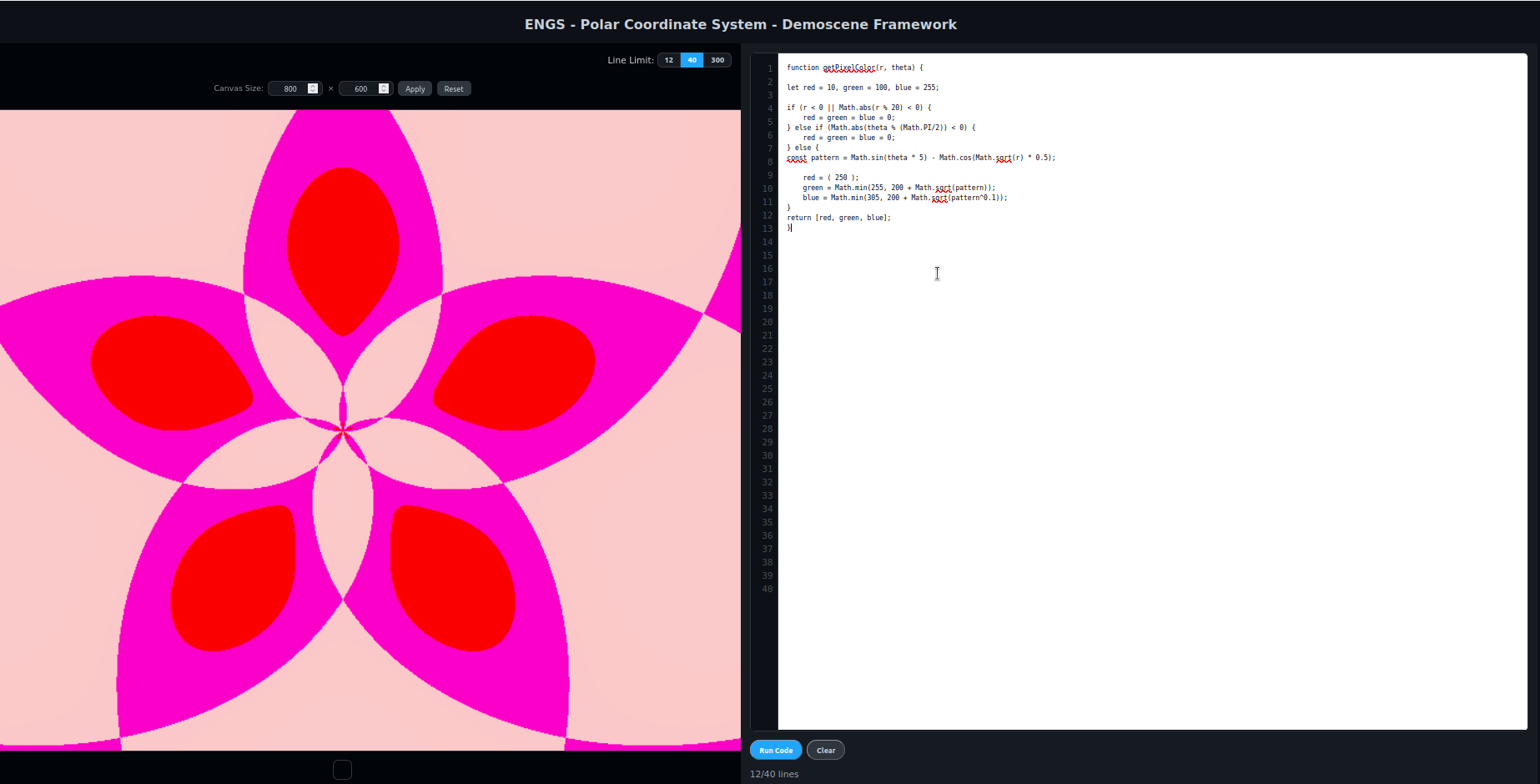
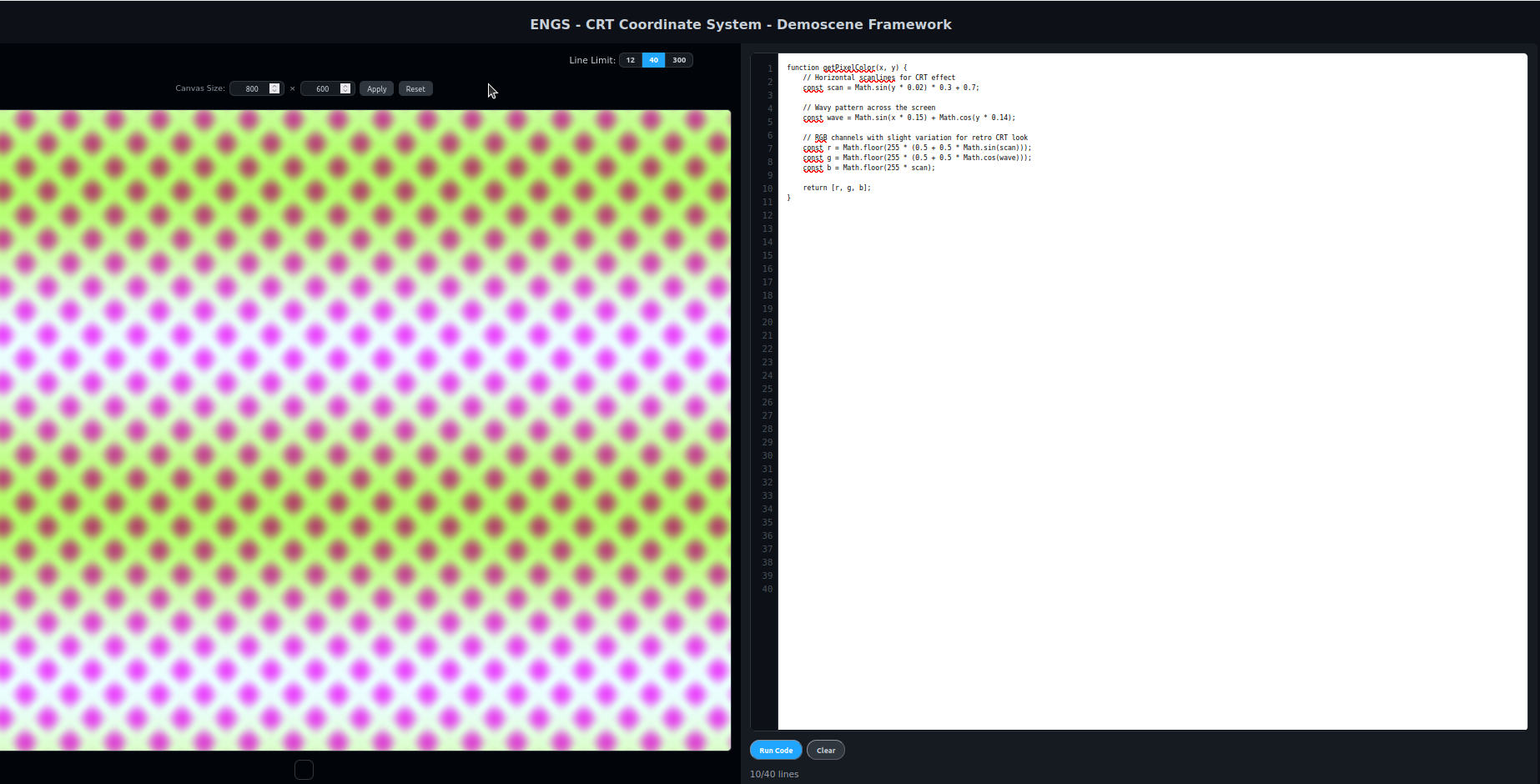
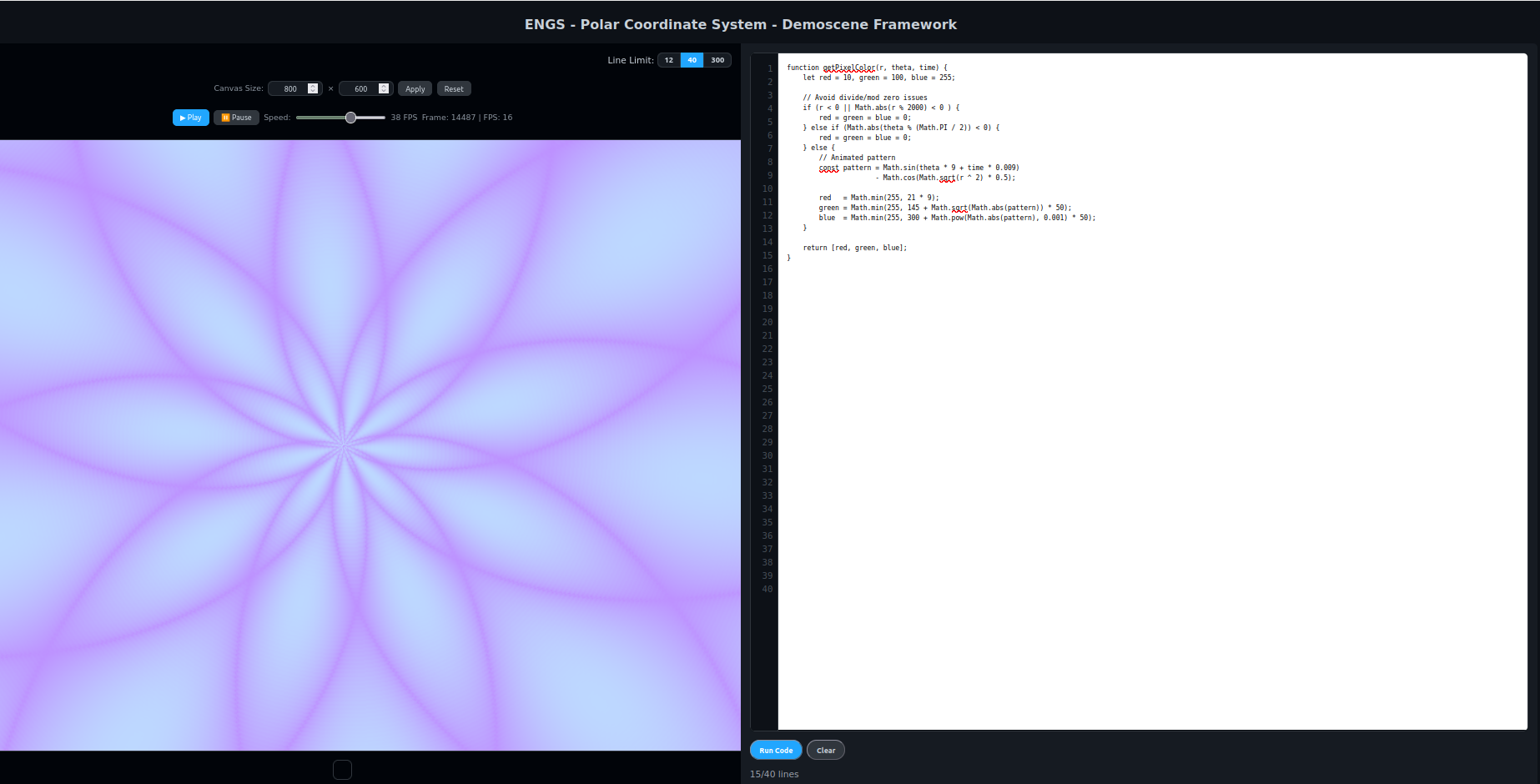
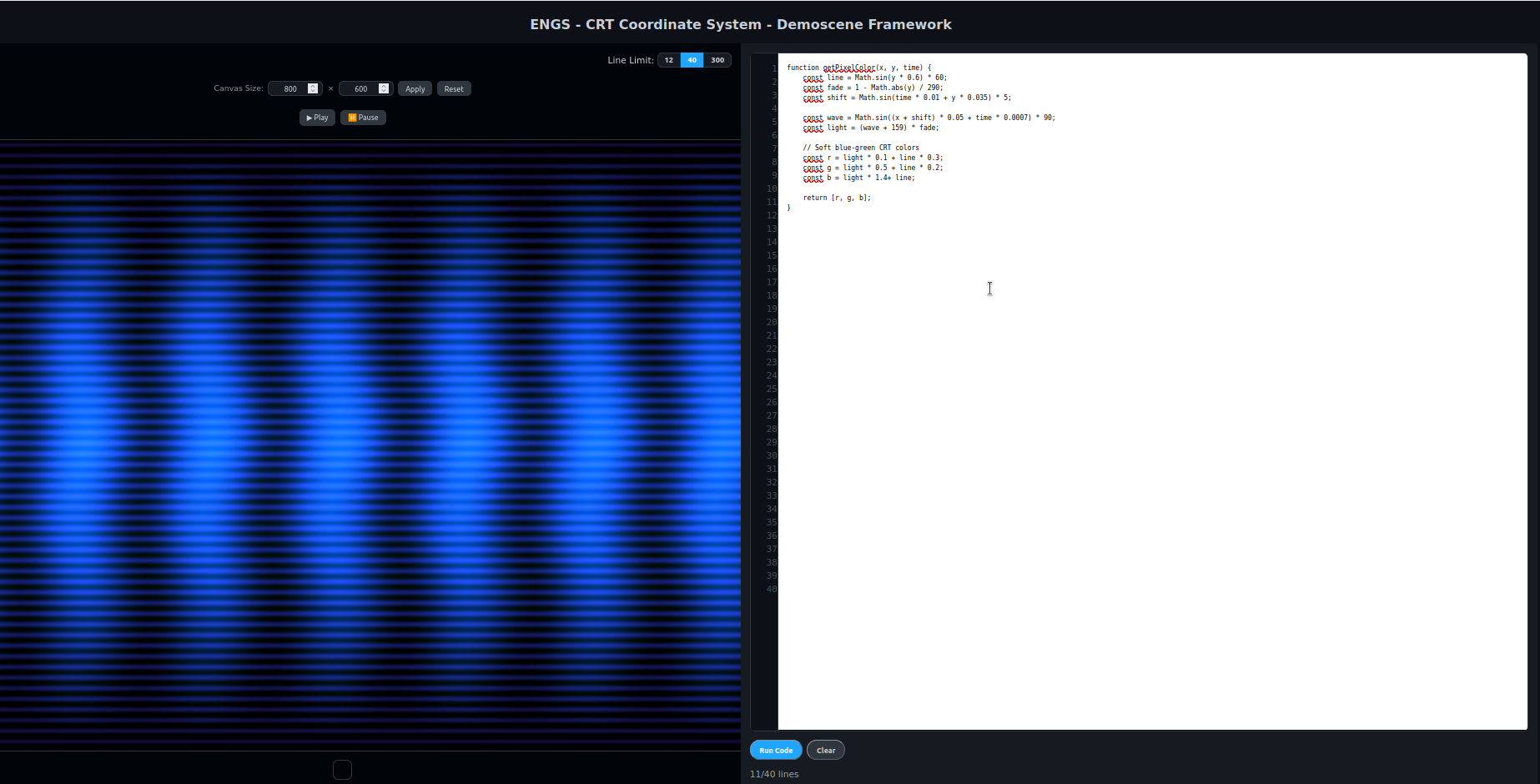
import sys, math, random
from PyQt5.QtWidgets import QApplication, QWidget
from PyQt5.QtGui import QImage, QPainter, QColor

class CosmicDemo(QWidget):
    def __init__(self):
        super().__init__()
        self.setWindowTitle("Cosmic Demoscene")
        self.w, self.h = 600, 400
        self.resize(self.w, self.h)
        self.img = QImage(self.w, self.h, QImage.Format_RGB32)
        self.render_scene()
    def render_scene(self):
        stars = {(random.randint(0,self.w-1), random.randint(0,self.h-1)): random.randint(150,255)
                 for _ in range(500)}
        for y in range(self.h):
            for x in range(self.w):
                val = int((math.sin(x*0.05) + math.cos(y*0.05))*20)
                r = max(0, min(255, 5 + val))
                g = max(0, min(255, 5 + int(val*0.5)))
                b = max(0, min(255, 5 + int(val*1.2)))
                if (x,y) in stars:
                    r = g = b = stars[(x,y)]
                self.img.setPixelColor(x, y, QColor(r, g, b))
    def paintEvent(self, e):
        painter = QPainter(self)
        painter.drawImage(0, 0, self.img)

if __name__ == "__main__":
    app = QApplication(sys.argv)
    win = CosmicDemo()
    win.show()
    sys.exit(app.exec_())
c++
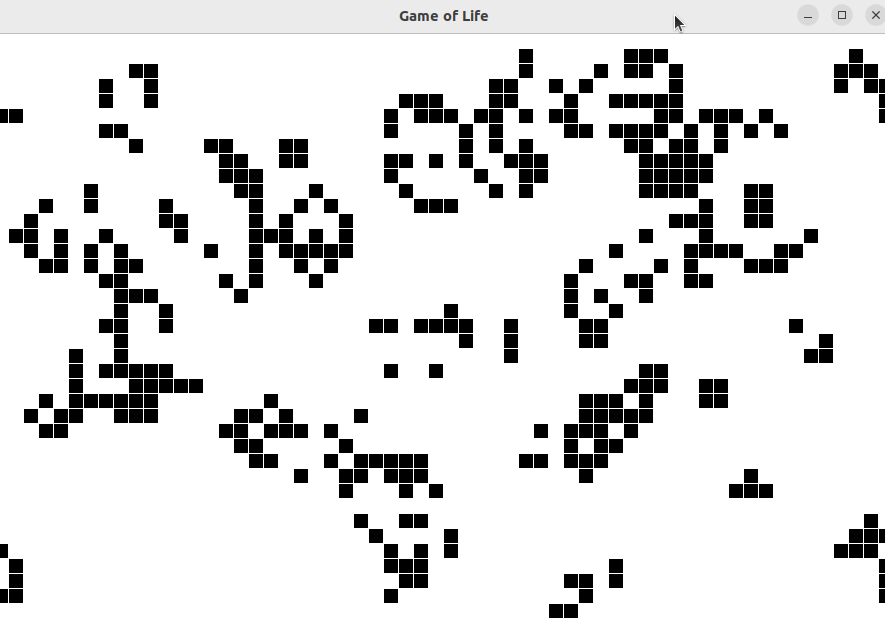
lua
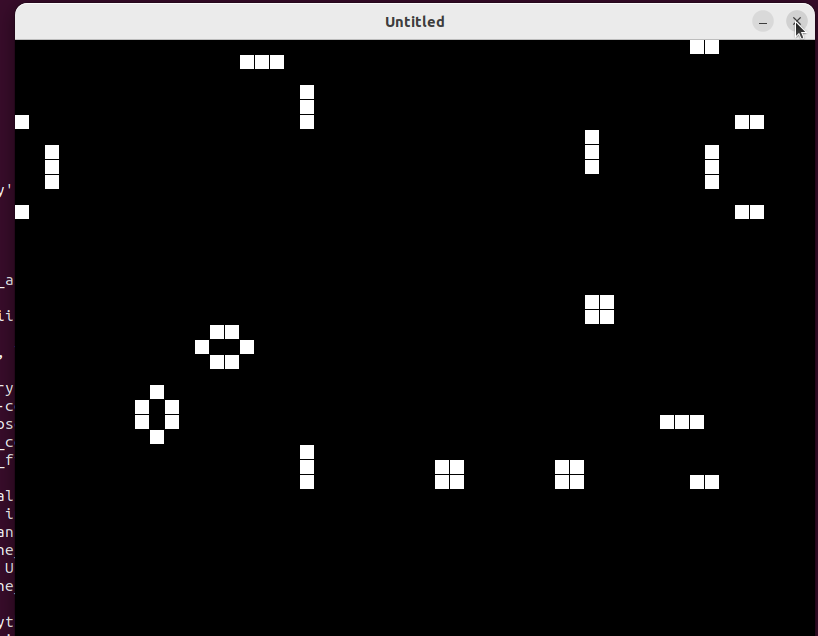
python
javascript
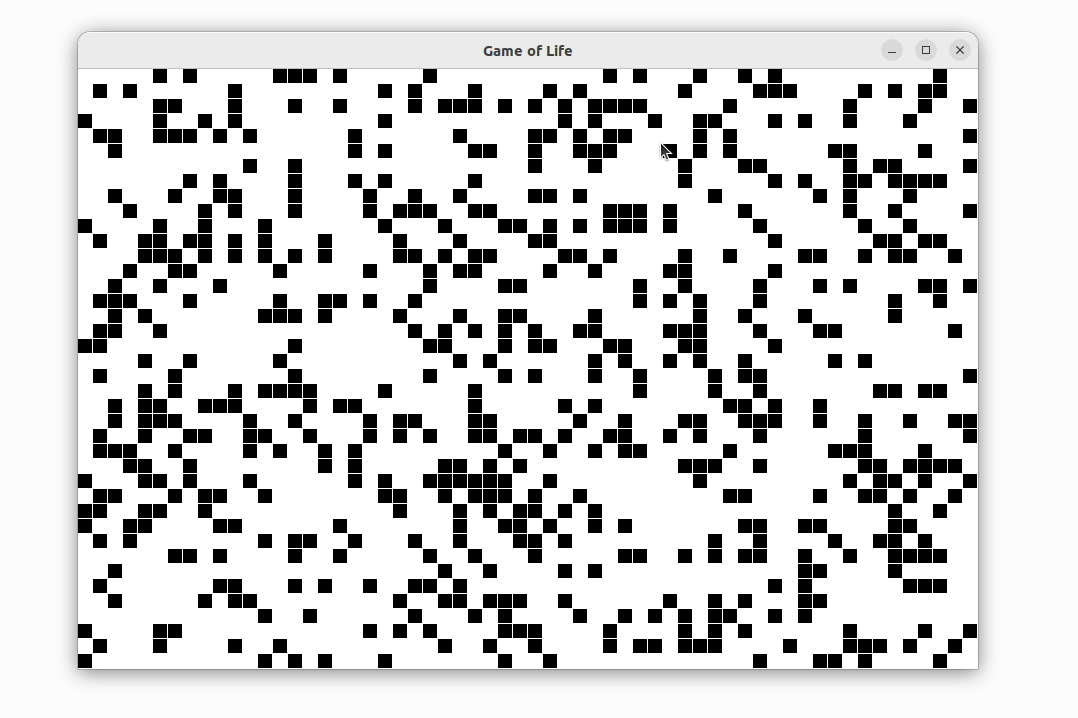
#include <SFML/Graphics.hpp>
#include <vector>
#include <cstdlib>
#include <ctime>

using namespace std;

int ROWS=40, COLS=60, CELL=15;
vector<vector<int>> grid(ROWS, vector<int>(COLS,0));

int count_neighbors(int r,int c){
    int count=0;
    for(int dr=-1;dr<=1;dr++)
        for(int dc=-1;dc<=1;dc++){
            if(dr==0 && dc==0) continue;
            int rr=(r+dr+ROWS)%ROWS;
            int cc=(c+dc+COLS)%COLS;
            count+=grid[rr][cc];
        }
    return count;
}

void step(){
    vector<vector<int>> new_grid=grid;
    for(int r=0;r<ROWS;r++)
        for(int c=0;c<COLS;c++){
            int n=count_neighbors(r,c);
            if(grid[r][c]==1) new_grid[r][c]=(n==2||n==3)?1:0;
            else new_grid[r][c]=(n==3)?1:0;
        }
    grid=new_grid;
}

void randomize_grid(){
    for(int r=0;r<ROWS;r++)
        for(int c=0;c<COLS;c++)
            grid[r][c]=(rand()%4==0)?1:0;
}

int main(){
    srand(time(0));
    sf::RenderWindow window(sf::VideoMode(COLS*CELL, ROWS*CELL), "Game of Life");
    bool running=false;
    while(window.isOpen()){
        sf::Event e;
        while(window.pollEvent(e)){
            if(e.type==sf::Event::Closed) window.close();
            if(e.type==sf::Event::MouseButtonPressed){
                int c = e.mouseButton.x / CELL;
                int r = e.mouseButton.y / CELL;
                grid[r][c] = grid[r][c]?0:1;
            }
            if(e.type==sf::Event::KeyPressed){
                if(e.key.code==sf::Keyboard::Space) running=!running;
                if(e.key.code==sf::Keyboard::S) step();
                if(e.key.code==sf::Keyboard::C) {
                    for(auto &row:grid) for(auto &cell:row) cell=0;
                }
                if(e.key.code==sf::Keyboard::R) randomize_grid();
            }
        }
        if(running) step();
        window.clear(sf::Color::White);
        for(int r=0;r<ROWS;r++)
            for(int c=0;c<COLS;c++)
                if(grid[r][c]){
                    sf::RectangleShape cell(sf::Vector2f(CELL-1,CELL-1));
                    cell.setPosition(c*CELL,r*CELL);
                    cell.setFillColor(sf::Color::Black);
                    window.draw(cell);
                }
        window.display();
        sf::sleep(sf::milliseconds(100));
    }
}
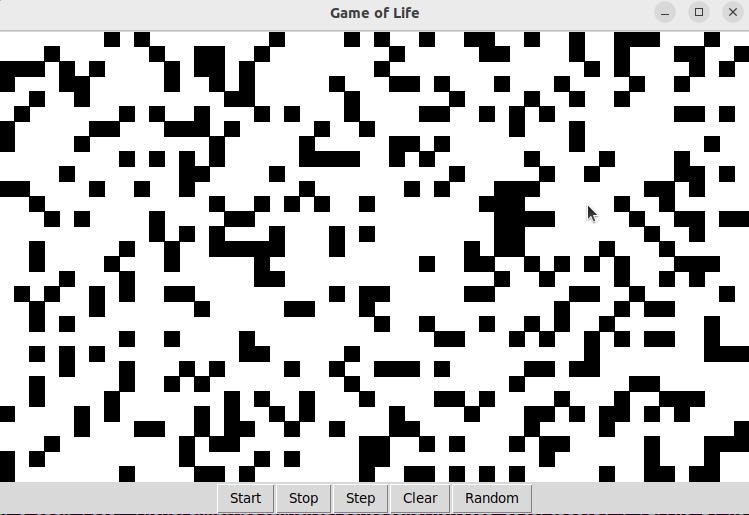
import tkinter as tk
import time
import random

ROWS = 30
COLS = 50
CELL_SIZE = 15
DELAY = 0.2
grid = [[0 for _ in range(COLS)] for _ in range(ROWS)]
running = False

def count_neighbors(r, c):
    count = 0
    for dr in [-1,0,1]:
        for dc in [-1,0,1]:
            if dr==0 and dc==0: continue
            rr = (r + dr + ROWS) % ROWS
            cc = (c + dc + COLS) % COLS
            count += grid[rr][cc]
    return count

def step_grid():
    global grid
    new_grid = [[0]*COLS for _ in range(ROWS)]
    for r in range(ROWS):
        for c in range(COLS):
            n = count_neighbors(r, c)
            if grid[r][c]==1:
                new_grid[r][c] = 1 if n in [2,3] else 0
            else:
                new_grid[r][c] = 1 if n==3 else 0
    grid = new_grid
    draw_grid()

def draw_grid():
    canvas.delete("all")
    for r in range(ROWS):
        for c in range(COLS):
            if grid[r][c]:
                x0 = c * CELL_SIZE
                y0 = r * CELL_SIZE
                x1 = x0 + CELL_SIZE
                y1 = y0 + CELL_SIZE
                canvas.create_rectangle(x0, y0, x1, y1, fill="black")

def toggle_cell(event):
    c = event.x // CELL_SIZE
    r = event.y // CELL_SIZE
    if 0 <= r < ROWS and 0 <= c < COLS:
        grid[r][c] = 0 if grid[r][c] else 1
        draw_grid()

def start(): global running; running=True; run_simulation()
def stop(): global running; running=False
def run_simulation():
    if running: step_grid(); root.after(int(DELAY*1000), run_simulation)
def clear(): global grid; grid = [[0 for _ in range(COLS)] for _ in range(ROWS)]; draw_grid()
def randomize():
    for r in range(ROWS):
        for c in range(COLS):
            grid[r][c] = 1 if random.random() < 0.25 else 0
    draw_grid()

root = tk.Tk()
root.title("Game of Life")
canvas = tk.Canvas(root, width=COLS*CELL_SIZE, height=ROWS*CELL_SIZE, bg="white")
canvas.pack()
canvas.bind("", toggle_cell)
frame = tk.Frame(root)
frame.pack()
tk.Button(frame, text="Start", command=start).pack(side="left")
tk.Button(frame, text="Stop", command=stop).pack(side="left")
tk.Button(frame, text="Step", command=step_grid).pack(side="left")
tk.Button(frame, text="Clear", command=clear).pack(side="left")
tk.Button(frame, text="Random", command=randomize).pack(side="left")
draw_grid()
root.mainloop()
ROWS, COLS = 30, 50
CELL = 15
grid = {}
for r=1,ROWS do
    grid[r]={}
    for c=1,COLS do grid[r][c]=0 end
end

running = false

function count_neighbors(r,c)
    local n=0
    for dr=-1,1 do
        for dc=-1,1 do
            if dr~=0 or dc~=0 then
                local rr = ((r+dr-1)%ROWS)+1
                local cc = ((c+dc-1)%COLS)+1
                n = n + grid[rr][cc]
            end
        end
    end
    return n
end

function step()
    local new_grid={}
    for r=1,ROWS do
        new_grid[r]={}
        for c=1,COLS do
            local n=count_neighbors(r,c)
            if grid[r][c]==1 then
                new_grid[r][c] = (n==2 or n==3) and 1 or 0
            else
                new_grid[r][c] = (n==3) and 1 or 0
            end
        end
    end
    grid = new_grid
end

function love.update(dt)
    if running then step() end
end

function love.draw()
    for r=1,ROWS do
        for c=1,COLS do
            if grid[r][c]==1 then
                love.graphics.rectangle("fill",(c-1)*CELL,(r-1)*CELL,CELL-1,CELL-1)
            end
        end
    end
end

function love.mousepressed(x,y)
    local c = math.floor(x/CELL)+1
    local r = math.floor(y/CELL)+1
    grid[r][c] = 1 - grid[r][c]
end

function love.keypressed(key)
    if key=="space" then running = not running
    elseif key=="s" then step()
    elseif key=="c" then for r=1,ROWS do for c=1,COLS do grid[r][c]=0 end end
    elseif key=="r" then for r=1,ROWS do for c=1,COLS do grid[r][c]=math.random()<0.25 and 1 or 0 end end
    end
end
const canvas = document.getElementById("board");
const ctx = canvas.getContext("2d");
const ROWS = 40, COLS = 60;
const CELL_W = canvas.width / COLS, CELL_H = canvas.height / ROWS;
let grid = Array.from({length: ROWS}, () => Array(COLS).fill(0));
let running = false;

function draw() {
  ctx.clearRect(0,0,canvas.width,canvas.height);
  for (let r=0;r<ROWS;r++)
    for (let c=0;c<COLS;c++)
      if(grid[r][c])
        ctx.fillRect(c*CELL_W, r*CELL_H, CELL_W-1, CELL_H-1);
}

function countNeighbors(r,c){
  let cnt=0;
  for (let dr=-1;dr<=1;dr++)
    for (let dc=-1;dc<=1;dc++){
      if(dr===0 && dc===0) continue;
      let rr=(r+dr+ROWS)%ROWS;
      let cc=(c+dc+COLS)%COLS;
      cnt+=grid[rr][cc];
    }
  return cnt;
}

function step(){
  let newGrid = Array.from({length: ROWS}, () => Array(COLS).fill(0));
  for(let r=0;r<ROWS;r++)
    for(let c=0;c<COLS;c++){
      let n=countNeighbors(r,c);
      if(grid[r][c]) newGrid[r][c]= (n===2||n===3)?1:0;
      else newGrid[r][c]= (n===3)?1:0;
    }
  grid=newGrid;
  draw();
}

function start(){ if(!running){running=true; run();} }
function stop(){ running=false; }
function run(){ if(running){ step(); setTimeout(run,100); } }
function clearBoard(){ grid=Array.from({length: ROWS},()=>Array(COLS).fill(0)); draw(); }
function randomize(){ for(let r=0;r<ROWS;r++) for(let c=0;c<COLS;c++) grid[r][c]=Math.random()<0.25?1:0; draw(); }

canvas.addEventListener('click', e=>{
  const rect = canvas.getBoundingClientRect();
  const c = Math.floor((e.clientX-rect.left)/CELL_W);
  const r = Math.floor((e.clientY-rect.top)/CELL_H);
  grid[r][c] = grid[r][c]?0:1;
  draw();
});

draw();
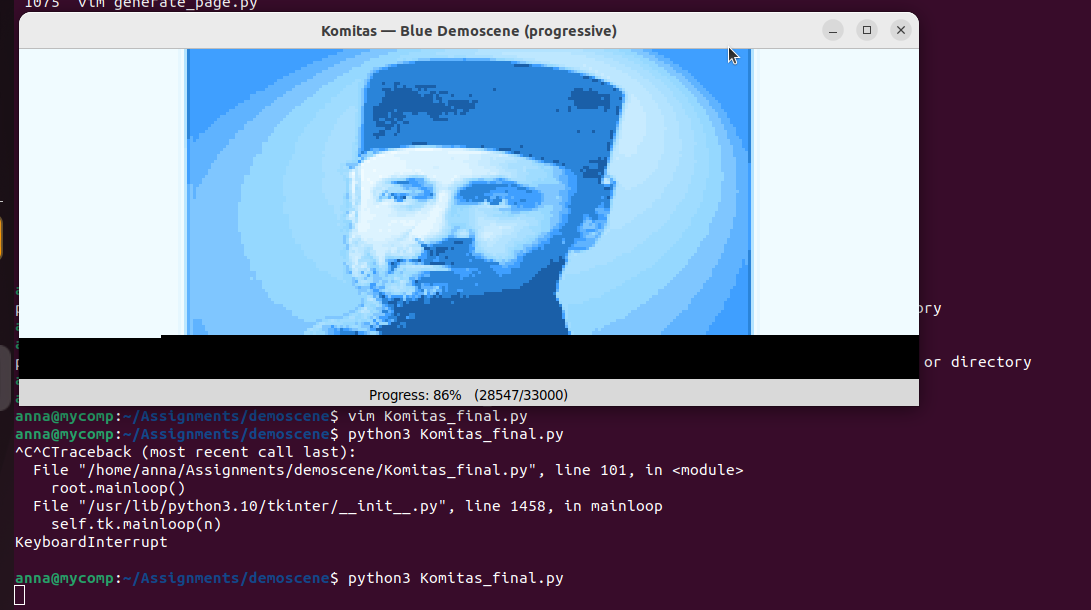
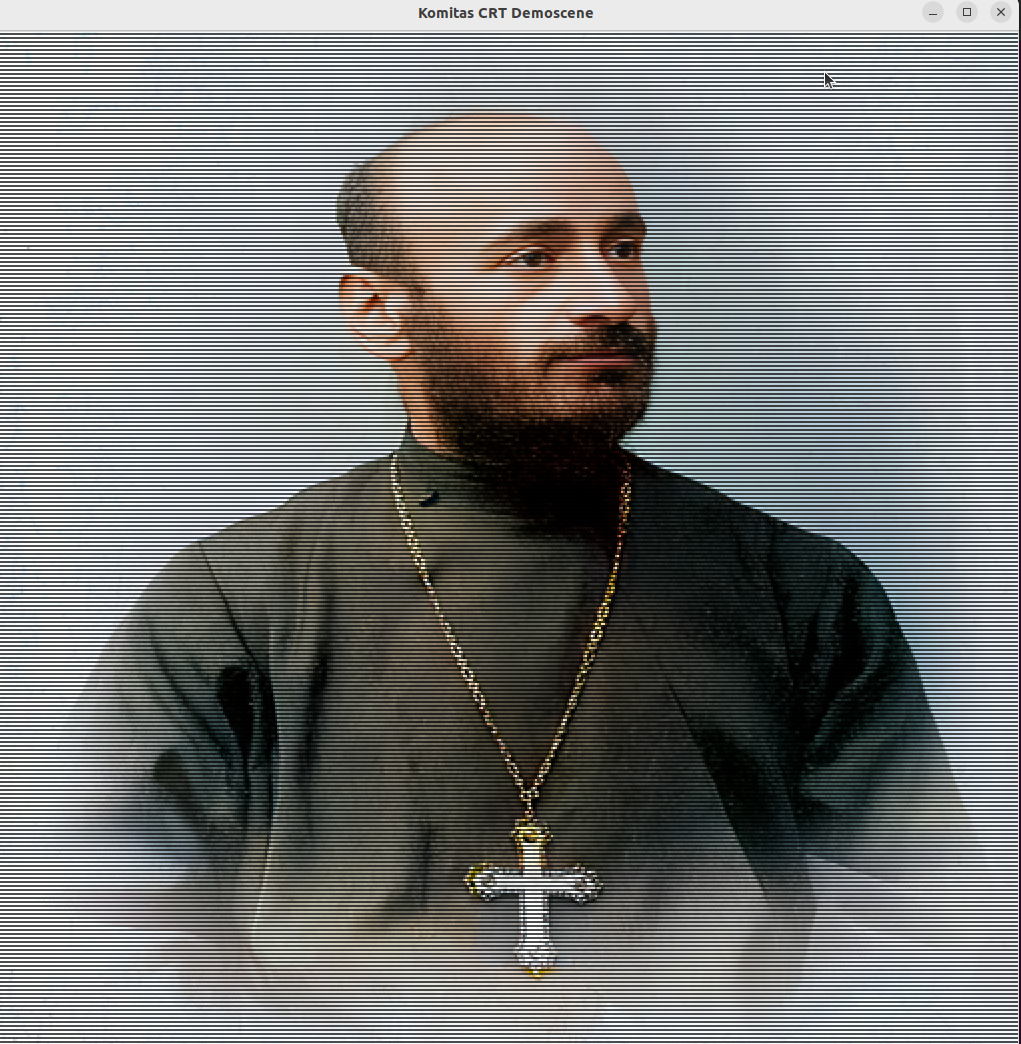
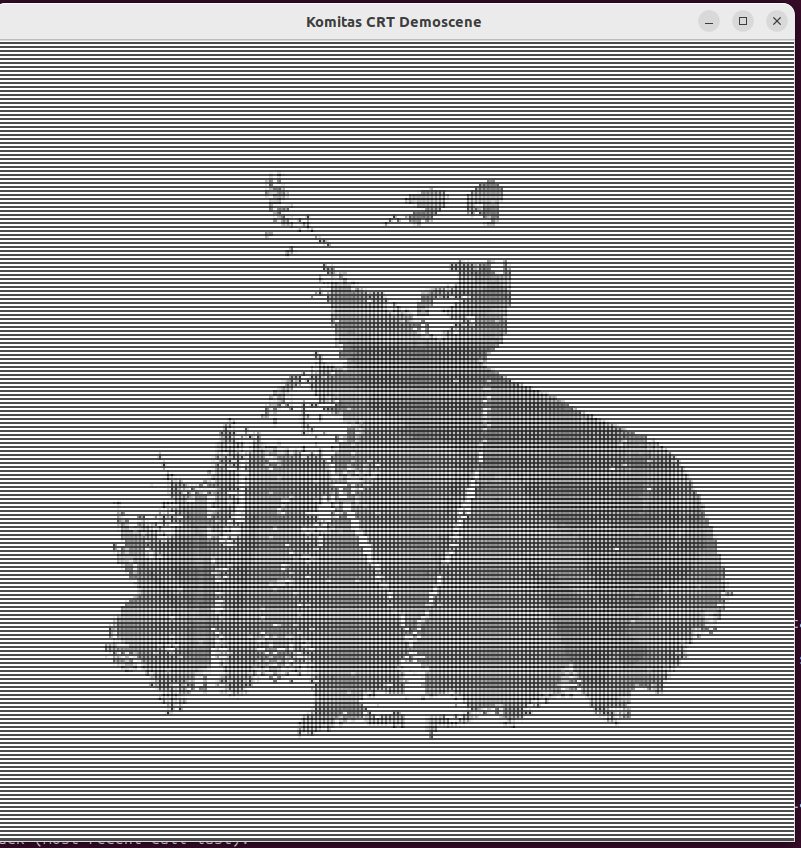
My work was created while I was experimenting with demoscenes and exploring the use of color intensity percentages as a mathematical element for demoscenes. Eventually, I delved deeper into this concept and conducted three experiments: 1. First trial(canvas): Initially, I did not realize that the code could read the image in its entirety. I altered it into black dots and observed that the terminal script was able to successfully reconstruct the image. 2. Colored image in terminal(colorised): Next, I experimented further and discovered that it is possible to display the image in the terminal without altering it, even in full color. 3. Changing image color(final): Finally, I attempted to modify the image’s color, for example to blue, and this experiment was also successful. Below, you can see the results of these experiments.
Original Photos:
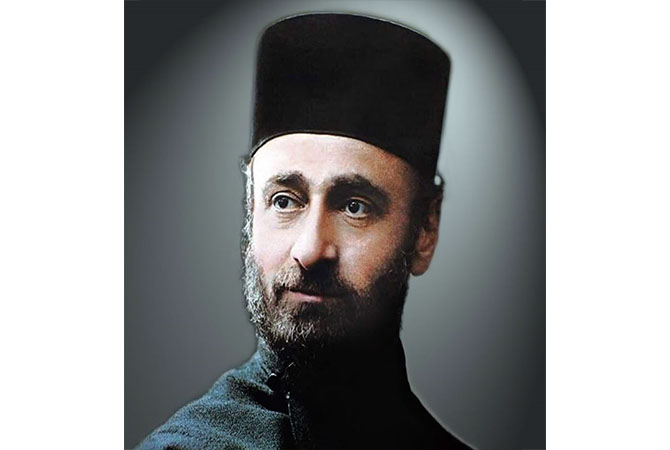
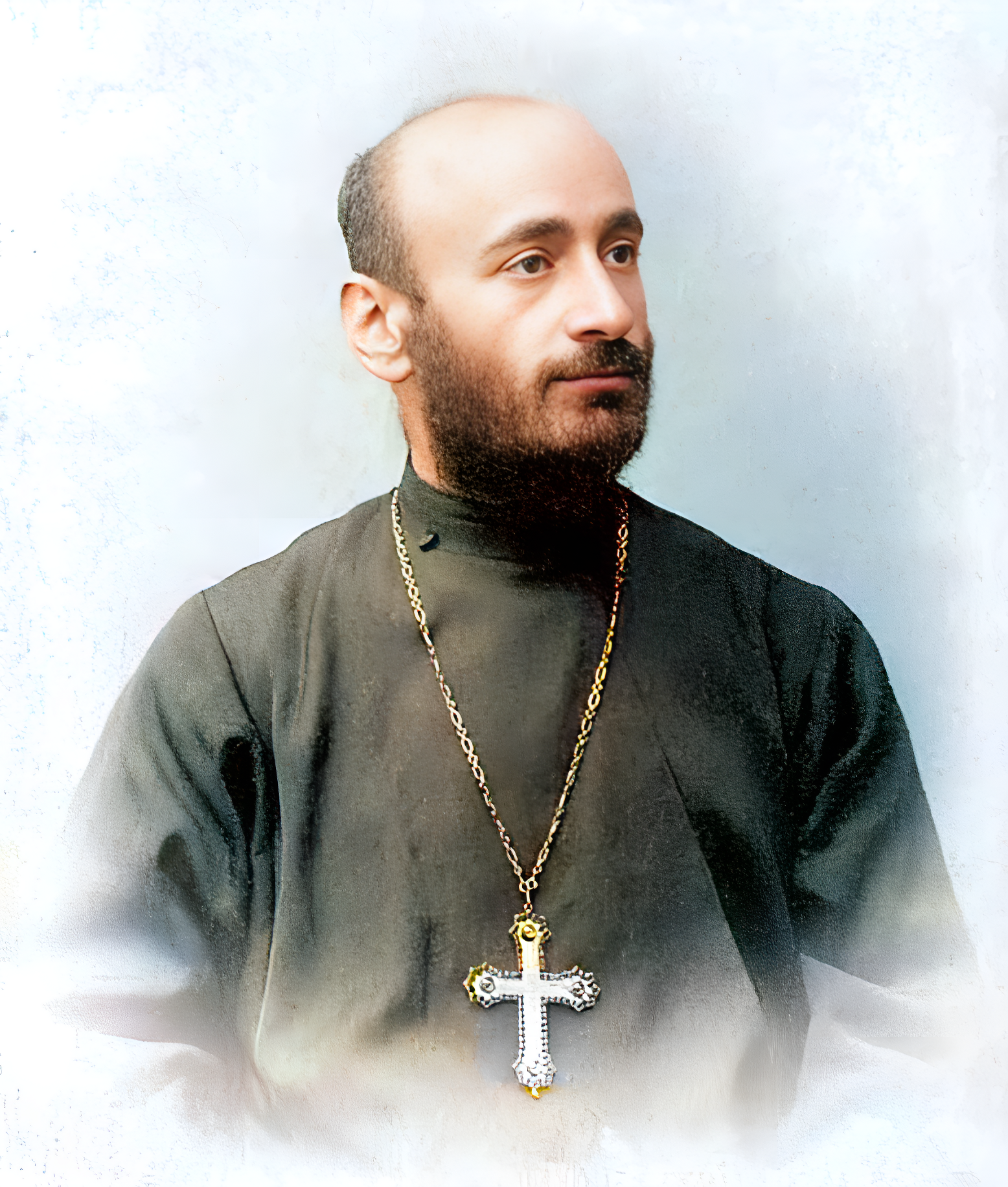
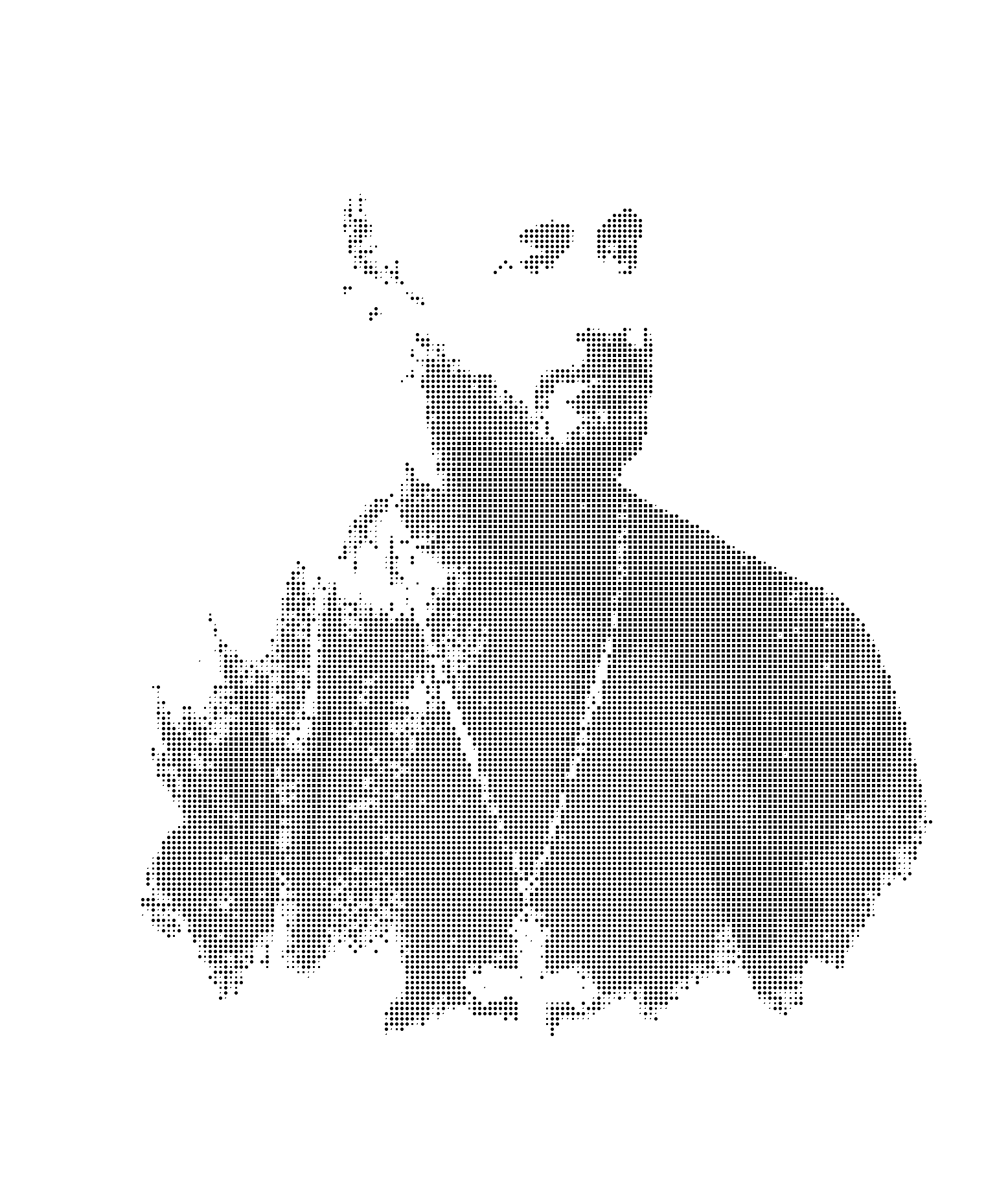
Terminal Results:
Enjoy the Tech Engineering Master game and check your knowledge of Systems Engineering, Computer Architecture, OS Architecture, Hardware and Software and Tech Industry
Group members are Davit Nalbandyan, Julieta Gasparyan, Anna Kirakosian.
More information: Video explanations are also available on PeerTube.